News
Location Changer: How iPhone GPS Tracking Works and Why Users Use Spoofers
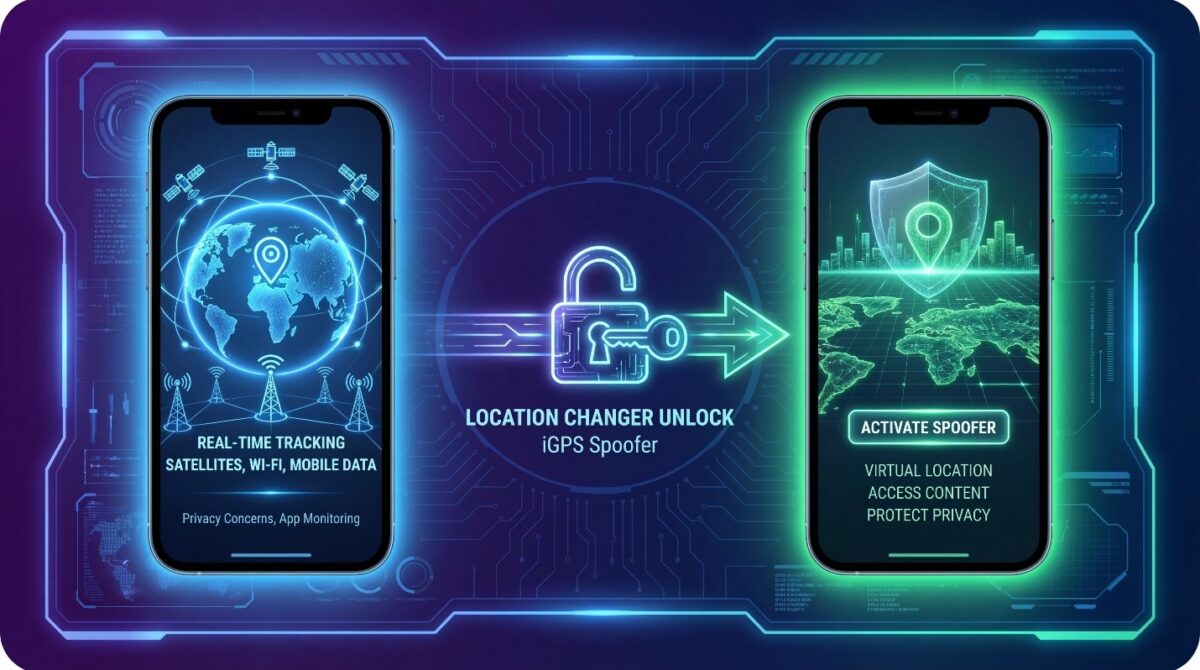
Location changer tools are becoming essential for iPhone users worldwide.
Every day, apps track GPS location to personalize content, restrict access, or monitor movement. Many users are unaware of how often their iPhone location is collected and shared.
iPhone GPS tracking relies on satellites, Wi-Fi networks, and mobile data. This system works accurately, but it also limits user control. Once location access is granted, apps can continuously monitor where you are.
As privacy concerns grow, users look for safer ways to manage their GPS location. A location spoofer allows users to set a virtual location without physically moving. This approach helps protect privacy, test apps, and access location-based features.
Understanding how GPS location works on iPhone is the first step. Knowing why people use location changer helps users make informed decisions. This guide explains how iPhone GPS tracking functions and why tools like iGPS Spoofer are increasingly popular.
Understanding GPS Location Tracking on iPhone
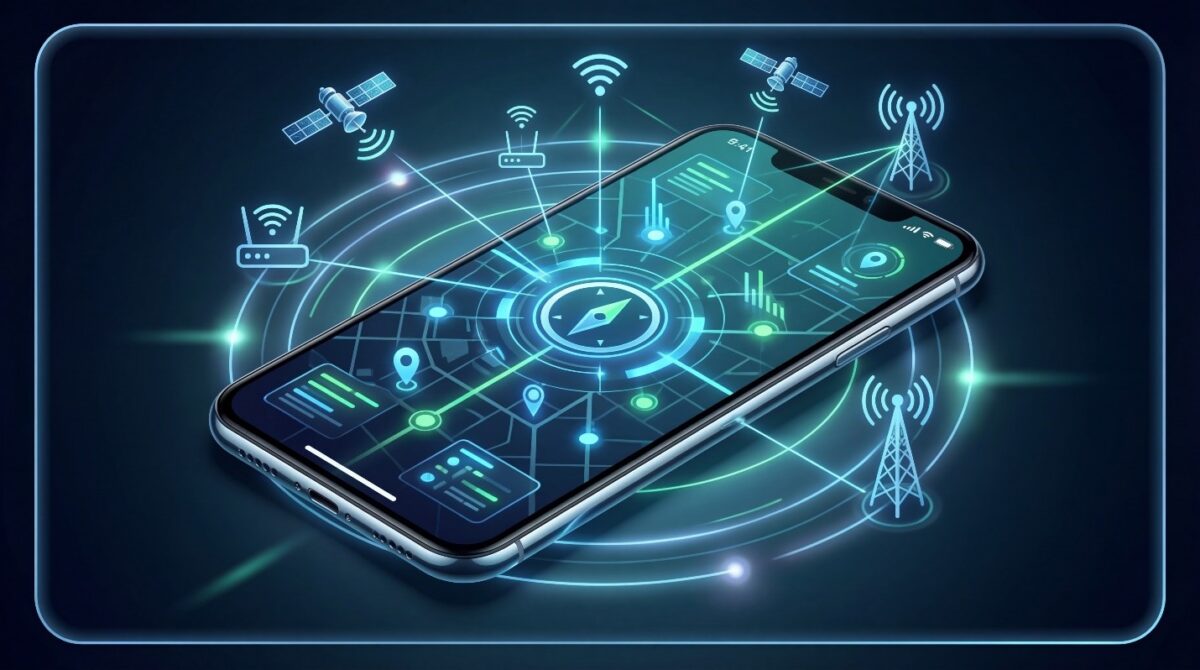
iPhone location tracking is more complex than many users realize. It does not rely on a single signal source. Instead, Apple combines multiple technologies to deliver precise GPS location data in real time.
This layered system improves accuracy. However, it also increases how often your location is recorded and shared with apps.
How iPhone Determines GPS Location
iPhones use GPS satellites as the primary location source. These satellites calculate your position using signal timing and distance. When satellite signals are weak, the system switches to Wi-Fi and mobile networks.
Nearby Wi-Fi networks help estimate your location indoors. Cellular towers provide additional positioning support. Together, these sources create a detailed and continuous location profile.
Role of Satellites, Wi-Fi, and Mobile Networks
Each tracking method plays a specific role. GPS satellites offer outdoor precision. Wi-Fi improves accuracy inside buildings. Mobile networks fill gaps when other signals fail.
This constant coordination ensures smooth navigation. It also means your iPhone location updates frequently. Understanding this process explains why many users turn to a location changer for better control.
Why iPhone Location Data Matters More Than You Think
iPhone location data is more than just GPS coordinates. Apps use it to personalize content, provide services, and track user activity. Understanding its value helps users see why controlling location is important.
Many apps request location permission during setup. Once granted, they can track your movements continuously. This includes navigation apps, social media, dating apps, and even weather apps.
Improper handling of location data can lead to privacy concerns. That’s why using a location changer gives users more control and security.
Apps That Constantly Access iPhone Location
Some apps require constant location access to function.
- Navigation and maps apps use GPS for directions.
- Ride-hailing and delivery apps track pickups and drop-offs.
- Social media apps share check-ins or friend locations.
Even when not actively using these apps, location data may still be collected, which can compromise privacy.
How Location Data Is Used and Stored
iPhone location data is stored locally and sometimes synced to cloud services. Developers may also use it for analytics or targeted advertising.
Without a location changer, users have limited control over what apps track. Spoofing the location ensures users can manage their data while still using apps normally.
Common Reasons behind using Location Change for iPhone
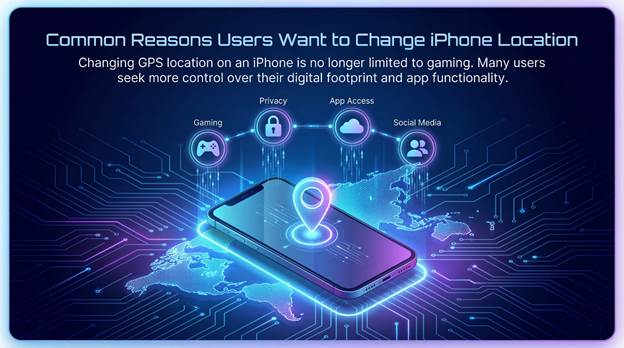
Using Location Changer for iPhone is no longer limited to gaming. Many users seek more control over their digital footprint and app functionality. A location changer helps achieve this safely and efficiently.
Protecting Personal Privacy
Privacy is the top reason behind the use of Location Changers. Apps can track movement continuously, even when the device is idle. Changing your GPS location prevents unwanted tracking and adds a layer of security.
Accessing Location-Restricted Content
Some apps or media services limit access based on region. By using Location Changers, you can unlock new content, test services from other countries, or enjoy region-specific promotions.
Testing Apps and Location-Based Features
Developers and testers use location changers to simulate different regions. This allows them to test location-based features, GPS-dependent apps, and regional functionality without traveling physically.
Using a reliable tool like iGPS Spoofer ensures accurate and stable location simulation for these purposes.
What Is a Location Changer and How Does It Work?
 A location changer is a software tool that lets iPhone users set a virtual GPS location. It tricks apps into thinking the device is in a different place without physically moving. This provides more control over privacy, app testing, and access to location-specific features.
Location changers work by intercepting the GPS signal and sending a modified location to apps. The iPhone reads this virtual location just like the real one. Reliable tools, like iGPS Spoofer, ensure the process is safe, precise, and undetectable by most apps.
Difference Between GPS Location and Virtual Location
The GPS location is your real-time position determined by satellites, Wi-Fi, and mobile networks. A virtual location is an artificial coordinate set by the user. Apps cannot easily distinguish between the two when a trusted spoofer is used, making it ideal for privacy and testing.
How Location Spoofers Modify iPhone Location
Spoofers modify system-level location data without affecting other device functions. They can simulate movement, teleport the device instantly to any location, and maintain stability for apps that require constant GPS tracking.
With a proper spoofer, like iGPS Spoofer, users can enjoy safe and consistent virtual GPS locations for gaming, testing, and privacy purposes.
Types of Location Spoofing Methods on iOS
iOS users can choose from several methods to change their GPS location. Each method varies in complexity, safety, and device requirements. Understanding these options helps users select the best solution for their needs.
Built-In System Limitations
Apple does not natively allow changing GPS location on iPhone. While you can disable location services or use VPNs to mask IP-based location, these methods do not affect the device’s actual GPS. Apps relying on GPS will still detect the real location, limiting their effectiveness.
Software-Based Location Spoofers
Software tools like iGPS Spoofer are the most effective solution. They directly modify system-level GPS data without jailbreaking the device. These tools can simulate precise coordinates, fake movement, and maintain stability for apps that rely on continuous location updates.
Unlike manual tricks or VPNs, software-based spoofers offer real GPS simulation. This makes them ideal for gaming, app testing, or accessing location-restricted services safely and reliably.
Risks of Unsafe Location Spoofing on iPhone
While location changers offers many benefits, using untrusted tools can pose serious risks. It’s important to understand potential dangers before changing your GPS location.
Security and Data Privacy Concerns
Some free or unofficial location changers may request excessive permissions or collect personal data. This can compromise your privacy, leak sensitive information, or even expose your device to malware. Using a trusted tool like iGPS Spoofer mitigates these risks.
App Detection and Account Restrictions
Many apps actively detect spoofed locations. Gaming apps, social media, and location-based services may flag accounts that appear in impossible locations. Unsafe spoofers increase the chance of bans, warnings, or limited access.
A high-quality location changer ensures realistic GPS simulation, reduces detection risk, and keeps your accounts safe while using virtual locations.
Why iGPS Spoofer Is Built for Safe iPhone Location Change
Changing your iPhone location might seem simple, but most solutions come with hidden risks. Many users have tried free or unverified location changers, only to face app crashes, account bans, or even privacy leaks. iGPS Spoofer was created to solve these problems. It focuses on safety, reliability, and ease of use, ensuring users can spoof their GPS without worry.
Unlike complicated methods, iGPS Spoofer does not require a jailbreak. Jailbreaking can void warranties, reduce security, and leave devices vulnerable to malware. With iGPS Spoofer, users get full control over their location without compromising device safety. This makes it suitable for everyone—from casual gamers to app testers.
Avoiding the Risks of Jailbreaking
Many traditional location changers require jailbreaking, which is risky. A jailbroken iPhone loses built-in security protections, making it easier for apps or hackers to access sensitive data. iGPS Spoofer bypasses this entirely.
Users can select a location, simulate movement, and even test apps without touching the system core. This approach protects personal data while giving the freedom to teleport anywhere in the world.
Smooth and Realistic GPS Simulation
A major problem with most spoofers is unnatural movement. Apps like games or social networks can detect sudden jumps or impossible speeds. iGPS Spoofer solves this with realistic GPS simulation.
You can walk, drive, or fly across locations, and the app mimics natural movement patterns. This ensures your device behaves as if you are really there. Accounts remain safe, apps work flawlessly, and there is no risk of detection.
Simple Setup and Instant Results
iGPS Spoofer is designed for convenience. Installation takes minutes. No technical knowledge is needed. Once installed, users can choose any location on the map, and their iPhone will instantly reflect it.
This instant change is perfect for gamers who want to access region-specific features, travelers testing apps in different countries, or anyone wanting to protect their privacy. It combines safety, flexibility, and efficiency into one solution.
Real-Life Benefits of Using iGPS Spoofer
- Privacy Protection: Hide your real location from apps tracking your every move.
- Gaming Advantage: Access location-specific events or features in games like Pokémon Go.
- App Testing: Developers can simulate different regions without traveling.
- Content Access: Unlock geo-restricted apps, services, or promotions safely.
By combining realistic GPS simulation, easy setup, and full safety, iGPS Spoofer ensures that location changing is both effective and worry-free.
How Users Change iPhone Location Using iGPS Spoofer
Changing your iPhone’s GPS location doesn’t have to be complicated. iGPS Spoofer makes the process straightforward, even for beginners. By following a few simple steps, users can teleport to any location, simulate realistic movement, and stay undetected by apps.
Preparing the Device for Location Change
Before spoofing, ensure your iPhone is ready:
- Turn on Airplane Mode temporarily to prevent conflicts with real GPS signals.
- Close all location-based apps to avoid interruptions during setup.
- Check app permissions to confirm that iGPS Spoofer can access location services.
These steps ensure a smooth and accurate GPS simulation. Users who skip preparation may face detection issues or inaccurate location readings.
Selecting and Applying a Virtual Location
Once the device is prepared:
- Open iGPS Spoofer and access the interactive map.
- Search for the desired location or manually tap any point on the map.
- Click “Set Location” or the equivalent button to apply the virtual GPS coordinates.
The iPhone now reports this new location to all apps. Whether you are teleporting across the world or simulating walking routes, the change is instant and stable.
Simulating Movement for Realism
Many apps detect unnatural location jumps. iGPS Spoofer allows users to simulate realistic movement:
- Walking simulation for fitness or social apps
- Driving simulation for navigation or travel apps
- Custom routes for app testing or gaming purposes
By mimicking real-life movement, the app ensures that GPS data looks natural, reducing the risk of detection or account bans.
Saving Locations for Quick Access
iGPS Spoofer also allows users to save frequently used locations. This feature is ideal for:
- Gamers attending region-specific events
- Developers testing app behavior in multiple countries
- Users switching between privacy-protected locations regularly
Saved locations can be activated instantly, making repeated GPS changes quick and convenient.
H3: Key Benefits of This Process
- Safe and precise location change without jailbreaking
- Reduced detection risk due to realistic movement simulation
- Quick and intuitive interface suitable for all skill levels
- Full control over privacy and app behavior
Using iGPS Spoofer, changing your iPhone location becomes a simple, safe, and highly effective process.
Best Practices for Using a Location Changer Responsibly
Using a location changer correctly helps avoid detection, protects your privacy, and ensures apps function smoothly. Responsible usage is essential for long-term success and safety when spoofing GPS on an iPhone.
Avoid Sudden or Unrealistic Location Changes
Jumping between distant locations too quickly can trigger app detection systems. It’s better to simulate movement gradually. Using walking or driving modes makes the GPS behavior appear natural and reduces risk.
Limit Continuous Location Switching
Constantly changing your location within a short time frame may raise red flags. Choose a location and remain there for a reasonable duration. This approach mirrors real user behavior and improves stability.
Use Trusted Apps Only
Not all location spoofers are safe. Some may collect data or contain malware. Always use reputable tools like iGPS Spoofer to protect personal information and device security.
Close Location-Based Apps Before Switching
Closing apps before changing GPS location prevents conflicts. Once the new location is set, reopen the apps to ensure they read the updated GPS data correctly.
Reset Location After Use
After completing your task, return your GPS to its real location. This avoids confusion in navigation apps and ensures accurate location tracking when needed.
Keep Software Updated
Regular updates improve compatibility and reduce detection risks. Keeping iOS and your location changer up to date ensures smoother performance and better security.
Final Thoughts on Using Location Changers on iPhone
iPhone GPS tracking is deeply integrated into modern apps and services. While this improves functionality, it also reduces user control over personal location data. Understanding how location tracking works empowers users to make smarter choices.
A reliable location changer offers flexibility without compromising safety. It allows users to protect privacy, test apps, explore location-based features, and enjoy games responsibly. The key is choosing a tool that delivers realistic GPS simulation and strong security.
iGPS Spoofer stands out by combining ease of use with safe location control. Without jailbreaking or complex setup, users can change their iPhone location confidently. When used responsibly, location changers become powerful tools rather than risky shortcuts. As location-based technology continues to grow, having control over your GPS location will matter more than ever. With the right knowledge and tools, iPhone users can enjoy both convenience and privacy in a balanced way.