News
How to Recover Deleted Messages on Android: What Happens After Deletion and What Actually Works
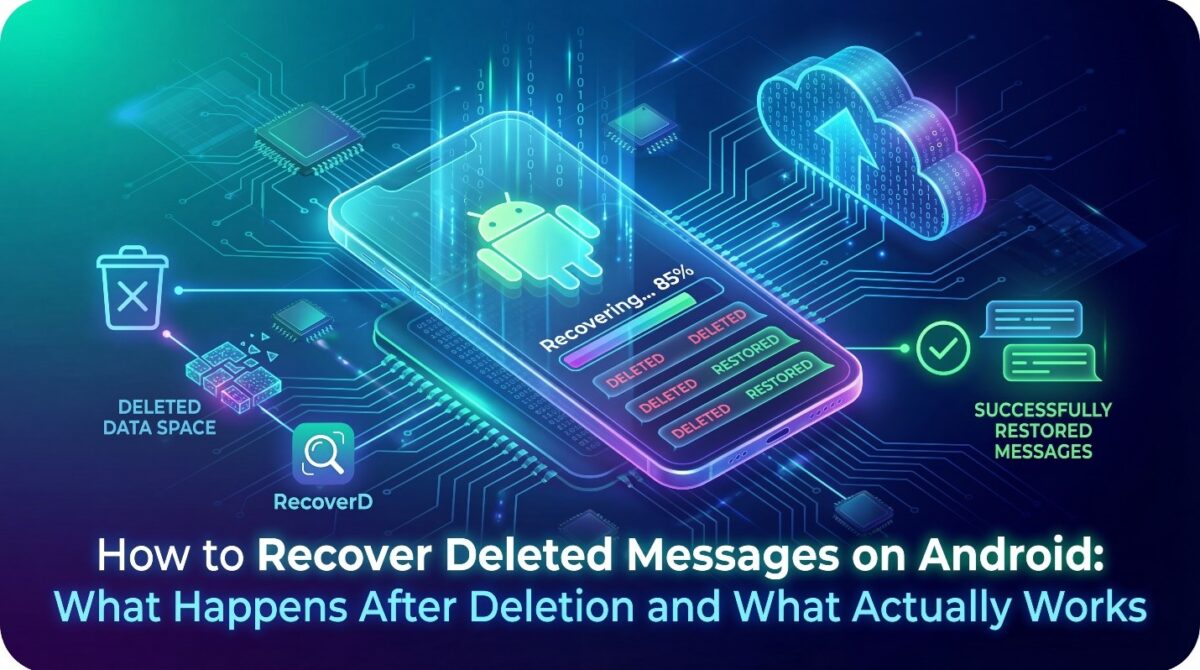
Losing important messages on Android devices is a common experience that often creates confusion, stress, and urgency. Users usually assume deletion means permanent loss, yet Android systems handle deleted data differently than most people expect.
Understanding what actually happens after deletion is essential before we learn about “How to Recover Deleted Messages on Android”.
When messages are deleted on Android, they are not instantly erased from the device storage. Instead, the system marks that space as available for new data, allowing the original content to remain temporarily.
This technical behavior creates a recovery window that depends on usage patterns, device activity, and storage management processes.
Many users rely on assumptions, online myths, or outdated advice when searching for how to recover deleted messages on Android. Some methods appear effective but fail due to system restrictions, encryption layers, or overwritten storage sectors.
Separating realistic recovery possibilities from ineffective approaches helps avoid wasted effort and potential data damage.
Android versions, manufacturer customizations, and messaging apps all influence how message deletion works. SMS messages, app-based chats, and cloud-synced conversations follow different storage and retention rules. Without understanding these differences, users may apply incorrect recovery techniques that produce inconsistent or misleading results.
This article explains what truly happens after messages are deleted on Android devices and how to successfuly recover deleted messages. It focuses on system behavior, storage mechanics, and realistic recovery conditions rather than quick fixes.
The goal is to provide clarity, accuracy, and informed expectations for message recovery.
By understanding Android’s deletion process and recovery limitations, users can make better decisions when data loss occurs. Knowing what works, what does not, and why helps reduce frustration and improves the chances to recover deleted messages on Android successfully.
How Message Deletion Works on Android
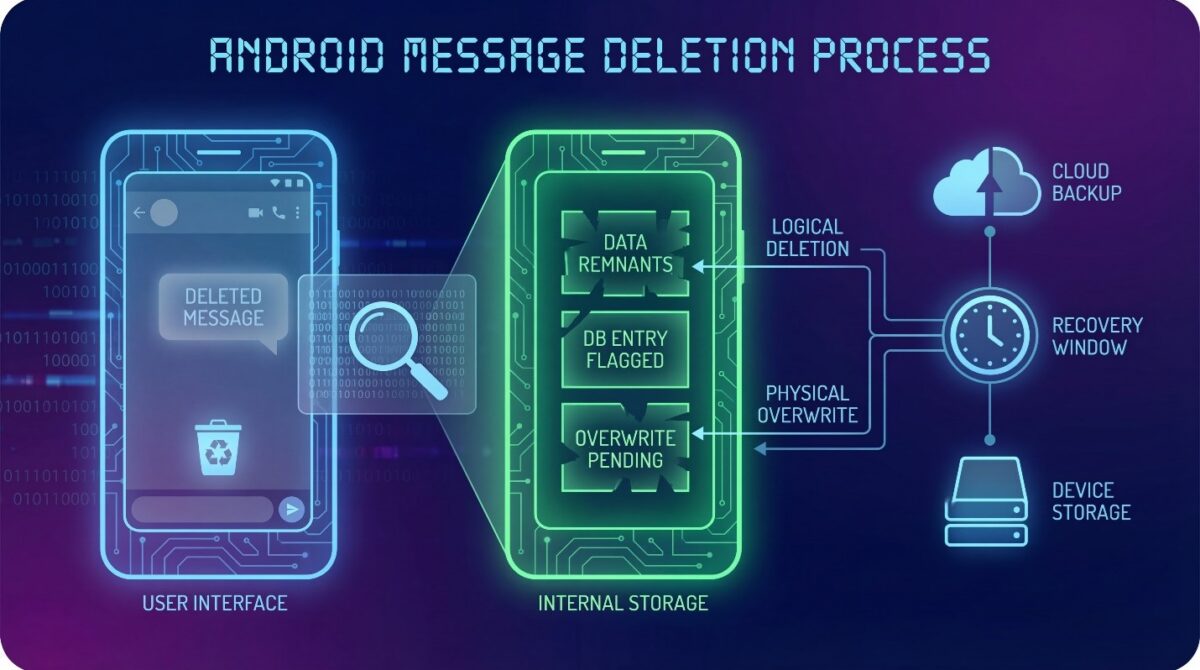
When a message is deleted on Android, it is not immediately erased from the device’s storage system. Instead, the operating system marks that message space as available for reuse, while the actual data often remains temporarily intact.
This design helps Android manage storage efficiently without instantly overwriting deleted information.
From a system perspective, deletion is a logical action rather than a physical one. The message disappears from the user interface, but fragments of the data may still exist in internal storage. Until new data replaces that space, it’s technically possible to recover deleted messages under specific conditions.
Android messaging apps, including SMS and third-party chat applications, rely on local databases to store message content. When a deletion command is triggered, the database entry is removed or flagged, but the underlying storage blocks are not immediately cleared.
This gap between deletion and overwriting creates a recovery window.
The length of this recovery window depends on how the device is used after deletion. Sending new messages, installing apps, or downloading files increases the likelihood that deleted message data will be overwritten. Once overwritten, it’s extremely difficult or impossible to recover deleted messages.
Another important factor is whether the messages were stored locally or synchronized with cloud services. Cloud backups may retain message copies even after local deletion, while purely local messages rely entirely on device storage behavior.
Understanding this distinction helps explain why in some situations it is possible to recover deleted messages while in some it is not.
Ultimately, Android message deletion is a process focused on system performance, not immediate data destruction. This design explains method to recover deleted messages sometimes work and sometimes fail, depending on timing, device activity, and storage behavior following deletion.
Where Deleted Messages Exist After Removal
When a message is deleted on an Android device, it does not vanish completely in an instant. Instead, the system and apps manage data in ways that temporarily retain traces of the removed content.
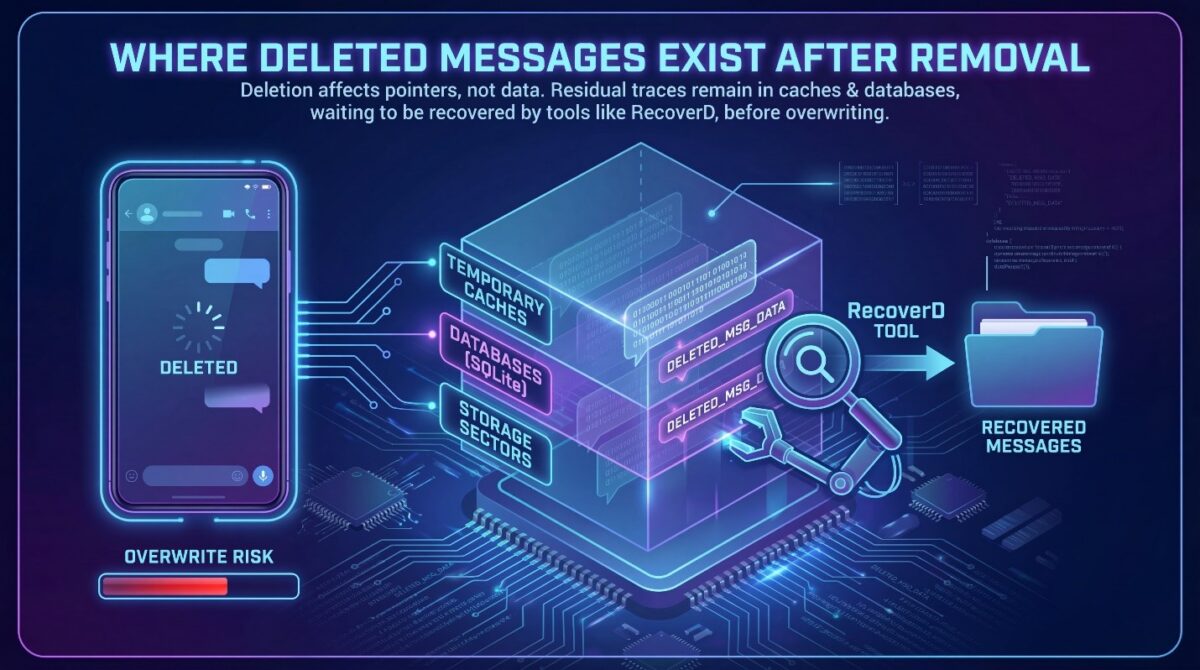
Understanding where deleted messages exist after deletion is key to comprehending how recovery tools, like RecoverD, can recover deleted messages.
Deletion in Android primarily affects the pointers or references to the message rather than immediately erasing the underlying data.
The storage locations may vary depending on the app used, system version, and device manufacturer. While the message is no longer visible in the messaging app, residual data may remain in temporary caches, databases, or storage sectors, waiting to be overwritten by new data.
These residual traces form the basis to recover deleted messages, but users should note that the longer a message has been deleted, the higher the risk that it will be overwritten and lost permanently.
Factors such as device usage, storage management, and app behavior influence how long deleted messages remain recoverable.
Temporary Storage and System-Level Caching
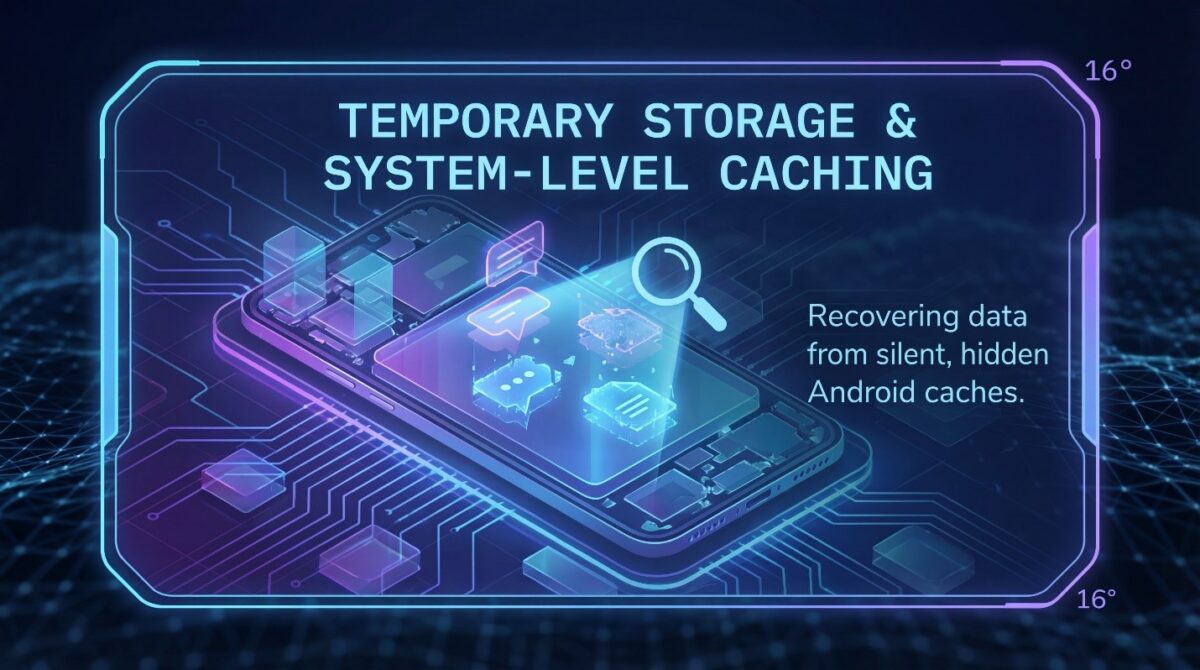
Android devices often keep recently deleted content in temporary system caches. This allows apps to load faster and provides a short window where it is still possible to recover deleted messages. These caches are cleared periodically or when the system detects low storage, which can limit recovery potential if too much time has passed.
System-level caching is a silent process. Users generally have no direct access to these caches, but recovery tools can scan these areas for remnants and help to recover deleted messages. This method leverages the fact that deletion rarely equates to immediate data erasure, giving users an opportunity to retrieve lost messages.
App Databases and Local Message Containers
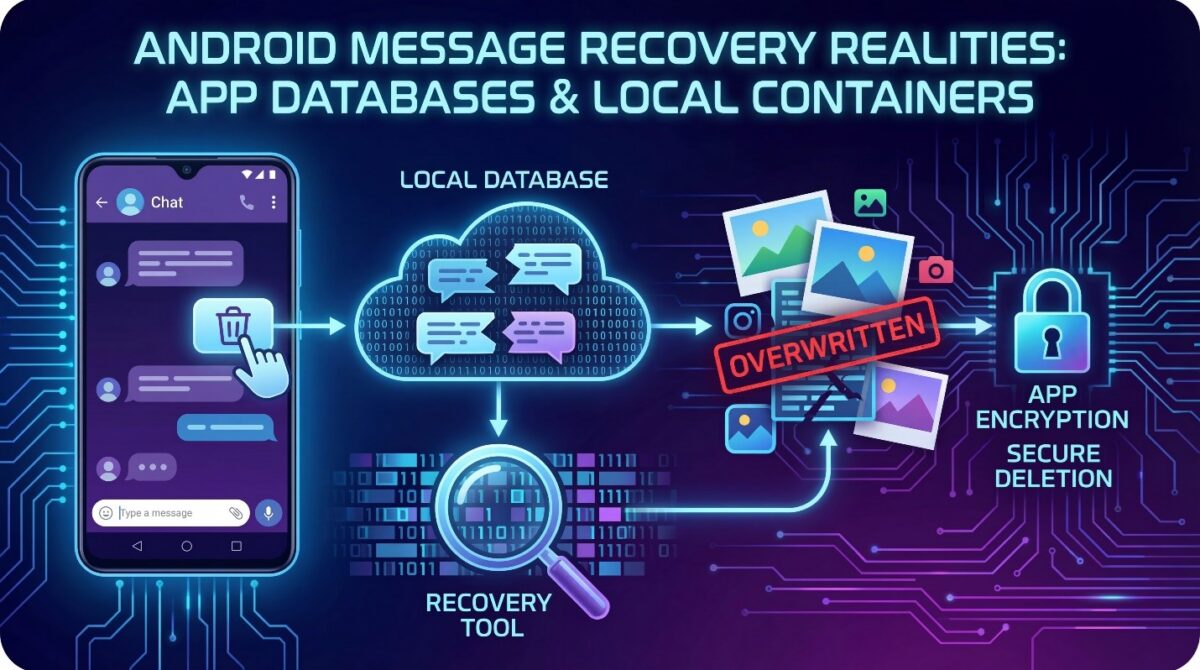
Messaging apps store conversation data in app-specific databases or local message containers. Even after a user deletes a message, fragments can remain in these databases until overwritten by new content.
Tools like RecoverD scan these databases to reconstruct deleted messages by identifying and piecing together residual data.
Some apps implement encryption or secure deletion features, which make it more complicate to recover deleted messages. However, in most standard cases, deleted messages remain partially intact in local storage, forming the foundation for successful message recovery on Android devices.
Although Android allows to recover deleted messages to some extent, the reality is that most deleted messages are permanently lost due to multiple technical and operational reasons. Understanding these limitations is crucial for users seeking effective recovery methods.
Not all deletion scenarios are equal, and several factors determine whether a message can be retrieved successfully.
The first reason is data overwriting. When a message is deleted, the system marks the storage space as available for new data rather than immediately erasing it.
As users continue to use their device, new apps, photos, and messages overwrite the sectors that previously contained deleted content. Once overwritten, it’s impossible to recover deleted messages, no matter the recovery tool used.
Another factor is app-level encryption and secure deletion features. Many messaging apps implement encryption to protect user data and sometimes employ secure deletion routines that actively erase message content from local storage.
In such cases, even sophisticated recovery tools cannot recover deleted messages, as no trace remains on the device.
Time Sensitivity in Message Recovery
Time plays a critical role in the process to recover deleted messages. Messages deleted recently have a higher chance of being retrieved because the storage sectors may not yet be overwritten. Conversely, messages deleted days or weeks earlier are more likely to have been replaced by new data, drastically reducing recovery possibilities.
System Limitations and Android Variants
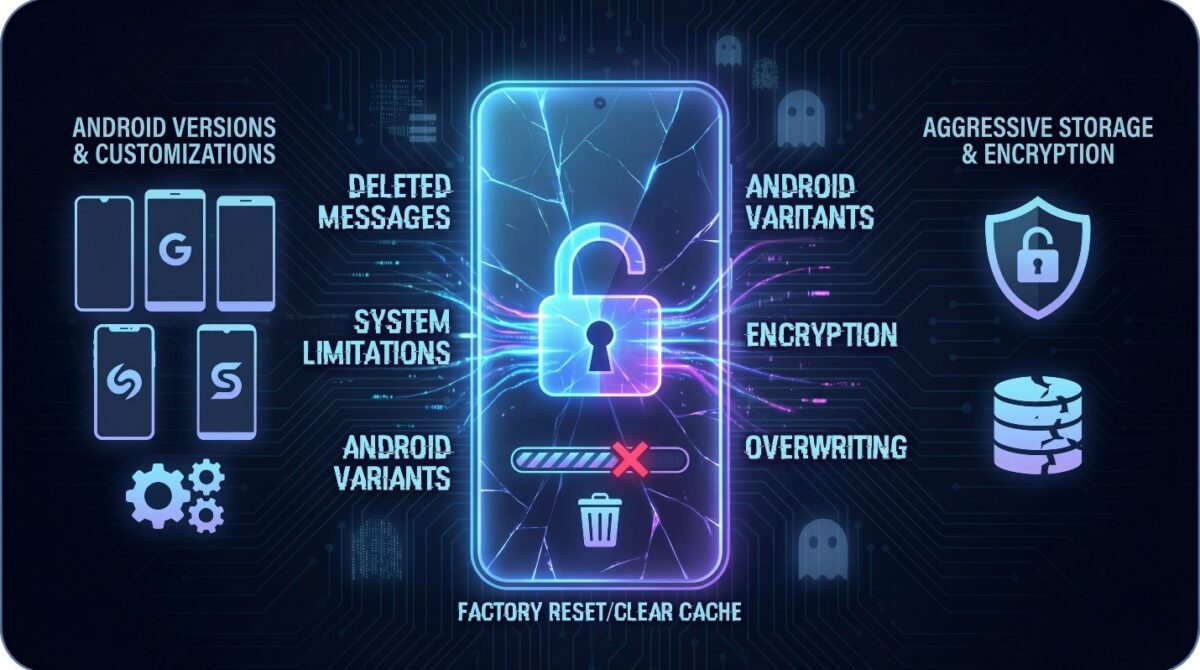
Different Android versions and manufacturer-specific customizations affects capabilities to recover deleted messages. Some devices may have aggressive storage management that automatically purges deleted content from caches and databases.
These system-level behaviors make it increasingly difficult for tools to access remnants of deleted messages, even if they existed briefly after deletion.
Finally, user actions like factory resets, app reinstallation, or clearing cache can eliminate remaining traces entirely.
This combination of overwriting, encryption, and system limitations explains why most deleted messages on Android are irretrievable. This highlights the importance of prompt and appropriate methods to recover deleted messages when attempting message restoration.
How RecoverD Helps Successfully Recover Deleted Messages on Android
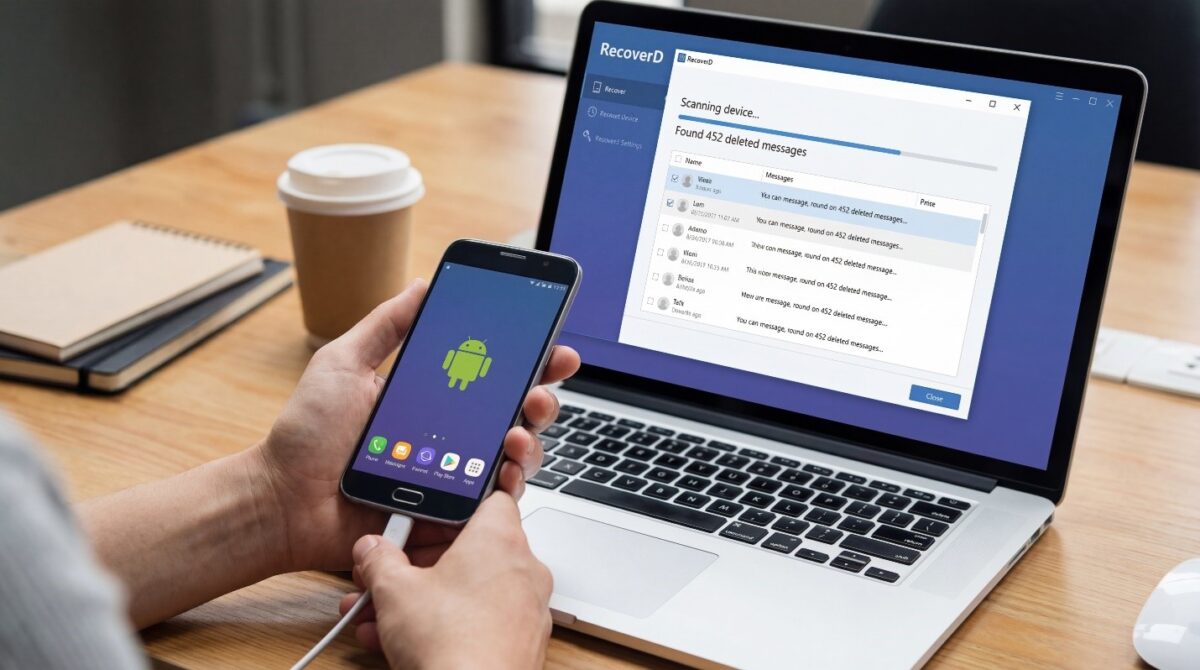
RecoverD is designed to address the challenges users face when attempting to recover deleted messages on Android. Unlike manual methods or simple cache scans, RecoverD uses advanced algorithms to locate remnants of deleted content in system caches, app databases, and temporary storage areas.
By scanning areas that are typically inaccessible to users, it significantly increases the chances to recover deleted messages successfully.
The software works by identifying storage sectors that previously held deleted messages, reconstructing fragmented data, and presenting it in a readable format. This process is faster and more reliable than conventional recovery attempts, which often fail due to data overwriting or encryption.
RecoverD also maintains the integrity of recovered messages, ensuring that content remains intact and usable for personal, legal, or professional purposes.
Step-by-Step Recovery Process
RecoverD simplifies the recovery process for users of all technical levels. First, the software scans the device’s storage to detect deleted message fragments. Next, it reconstructs these fragments into readable messages, carefully avoiding corrupted or overwritten data.
Finally, users can preview and selectively restore the messages they need, providing a controlled and efficient restoration experience.
This step-by-step approach ensures that even messages deleted unintentionally or long ago can be retrieved, as long as the underlying data has not been overwritten. The intuitive interface and guided workflow reduce the risk of errors during recovery, making it accessible to non-technical users.
Advantages Over Other Recovery Methods
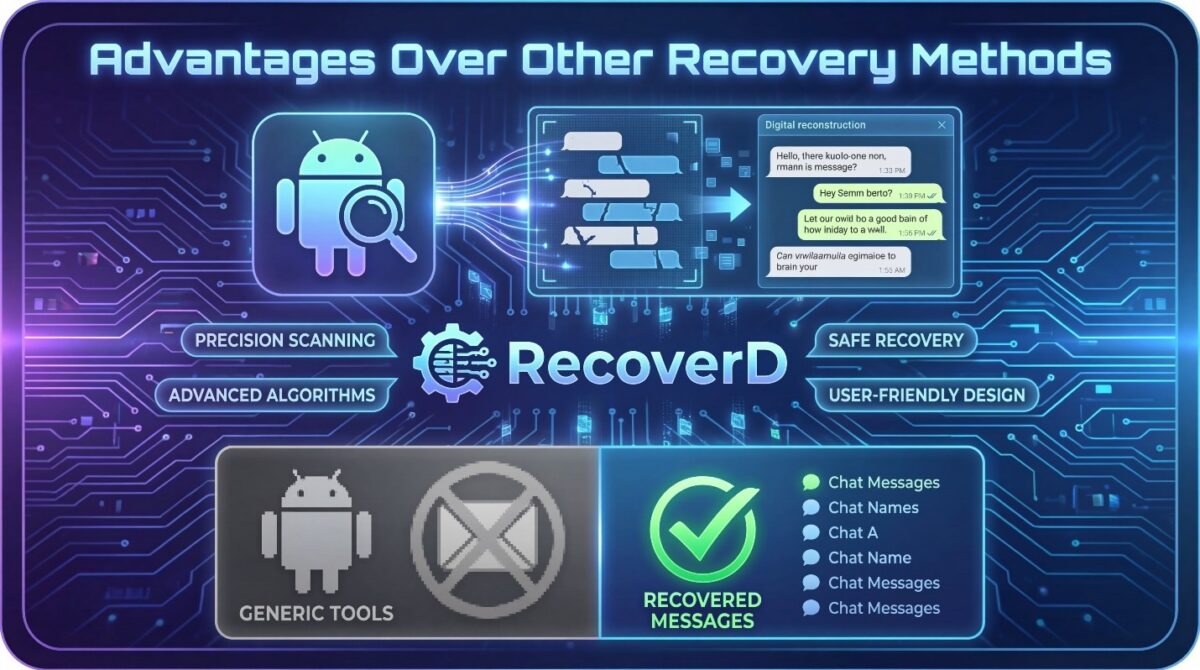
Unlike generic recovery tools, RecoverD is tailored specifically for Android messaging apps. It understands the structure of app databases and system storage, allowing it to locate messages that other tools might miss.
Its advanced scanning algorithms increase the success rate, while built-in safeguards prevent accidental data loss during the recovery process.
By combining precision scanning, reconstruction capabilities, and user-friendly design, RecoverD offers a reliable solution for retrieving deleted messages, making it an essential tool for anyone who wants to recover lost communication safely and efficiently.
Tips for Maximizing Message Recovery Success on Android
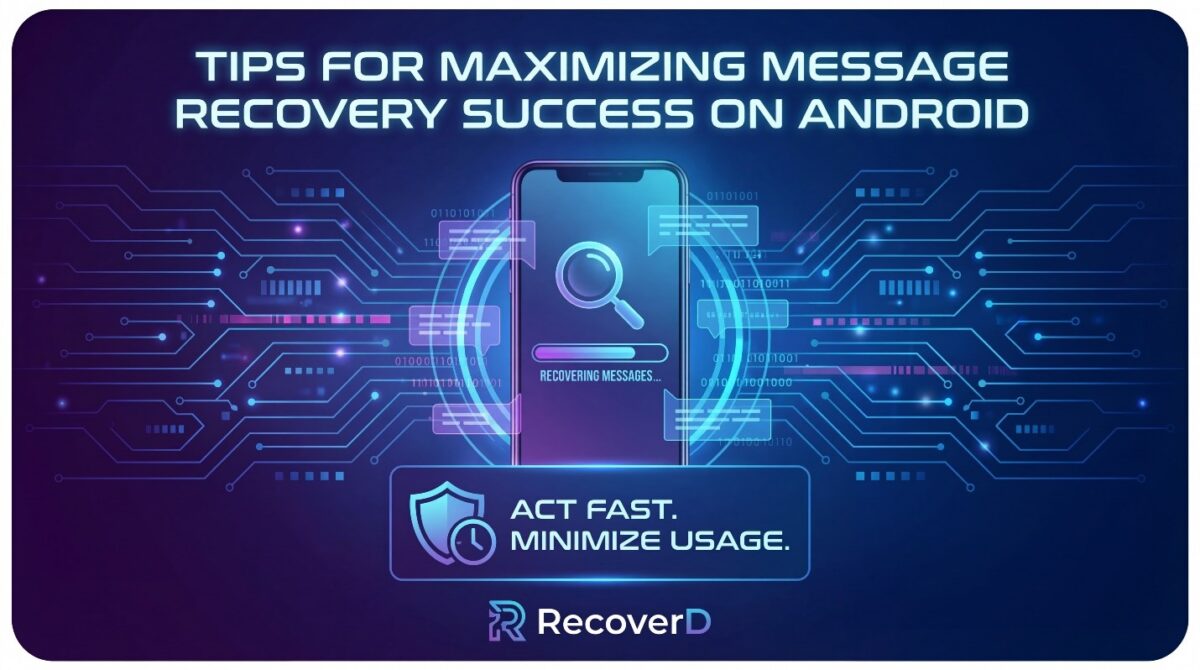
Recovering deleted messages on Android is not always guaranteed, but users can increase the chances of successful retrieval by following practical tips and best practices. Understanding how Android stores and overwrites data is crucial for timely and effective recovery.
The first step is acting quickly. When a message is deleted, the storage sector remains recoverable until new data overwrites it. Minimizing device usage immediately after deletion helps preserve these data fragments, improving the likelihood that recovery tools like RecoverD can reconstruct the message successfully.
Another essential practice is avoiding app reinstallation or cache clearing. While these actions may free up storage or solve minor issues, they can permanently erase message remnants. Users should refrain from modifying app data until recovery is complete.
Use Reliable Recovery Software
Choosing a trustworthy recovery tool is critical. Generic or low-quality apps may fail to access app databases correctly or could even corrupt existing data. RecoverD, with its Android-focused scanning and reconstruction algorithms, increases success rates and ensures recovered messages are intact.
Reliable software also provides selective recovery options, allowing users to preview messages before restoring them. This reduces the risk of restoring unwanted or corrupted data while giving control over the recovery process.
Maintain Regular Backups
Preventive measures such as regular backups enhance overall data security. While RecoverD can restore deleted messages, having backups on cloud services or external storage ensures that messages remain recoverable even in worst-case scenarios, like device failure or system crashes.
Regular backups also reduce reliance on recovery tools for routine message retrieval, giving users peace of mind and a fallback if a message cannot be fully restored due to overwriting or encryption.
Understand App-Specific Limitations
Different messaging apps handle deletion differently. Some apps implement encryption, secure deletion, or cloud-based storage that may limit recovery potential.
Being aware of these app-specific behaviors helps users manage expectations and approach recovery attempts strategically, improving overall success rates.
By combining quick action, reliable software, backups, and knowledge of app behavior, users can maximize their chances of successfully recovering deleted messages on Android devices.
Conclusion
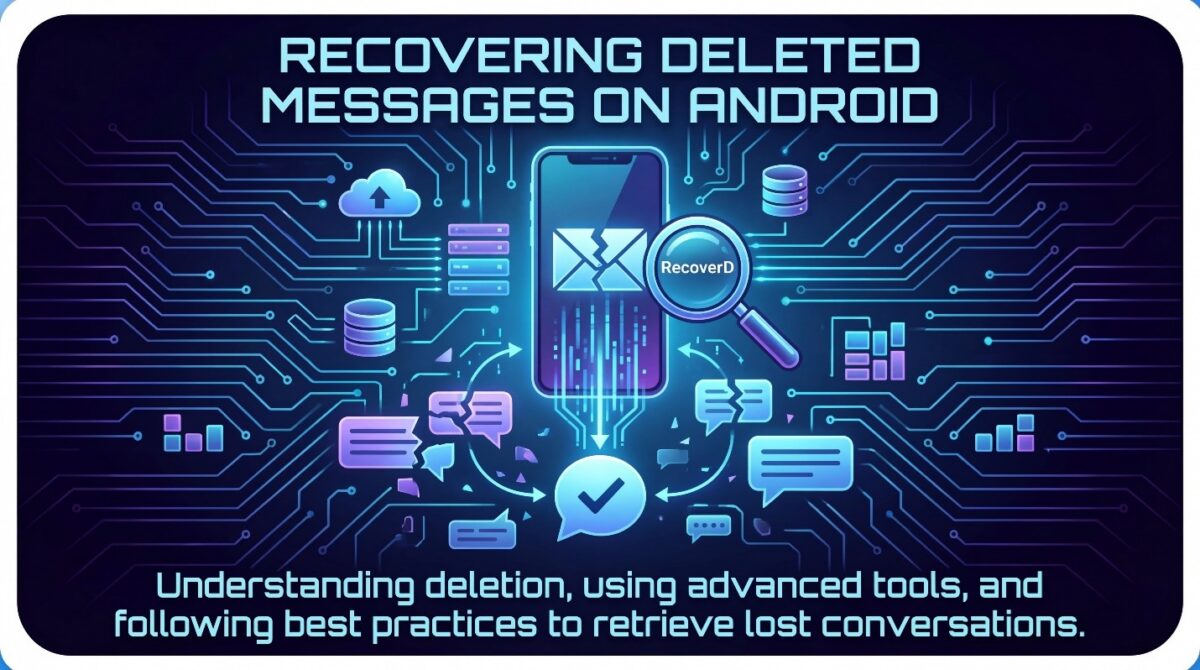
Recovering deleted messages on Android can be challenging, but understanding how deletion works and where data persists significantly improves the chances of success.
Most messages are not immediately erased; instead, they remain in temporary storage, system caches, and app databases until overwritten. Recognizing this allows users to take timely action to increase recovery success.
Tools like RecoverD, sponsored by Goooch, provide a reliable solution by scanning these storage areas, reconstructing fragmented messages, and allowing users to selectively restore content.
Its specialized algorithms and app-specific scanning make it far more effective than generic recovery methods, ensuring a higher success rate and preserving message integrity.
Users should also follow best practices: act quickly after deletion, avoid modifying app data, use reliable recovery software, maintain regular backups, and understand app-specific behaviors. These measures not only enhance recovery success but also prevent further data loss and maintain control over personal communication.
Ultimately, while some deleted messages may be unrecoverable due to overwriting or encryption, timely and informed recovery efforts using the right tools can restore many lost conversations.
By combining technical understanding, careful practices, and advanced recovery tools, Android users can effectively retrieve deleted messages and safeguard their communication history.