News
Android Data Recovery 2025: How Users Restore Lost Files Without Root

In 2025, losing data on an Android phone became more common than most users expected. One accidental tap, a quick reset, or a sudden app crash can make important photos, messages, and files disappear in seconds.
What changed this year is the way users respond. Instead of assuming deleted data is gone forever, more people search for Android data recovery solutions that don’t require technical steps or risky root methods.
The rise of safer, no-root data recovery tools reshaped how users handle data loss. People now look for clear, reliable ways to restore their files — not complicated tricks or unstable apps.
This shift is exactly what defines Android data recovery in 2025: fast solutions, simple steps, and zero root access.
Why Android Users Lose Their Data More Often Today
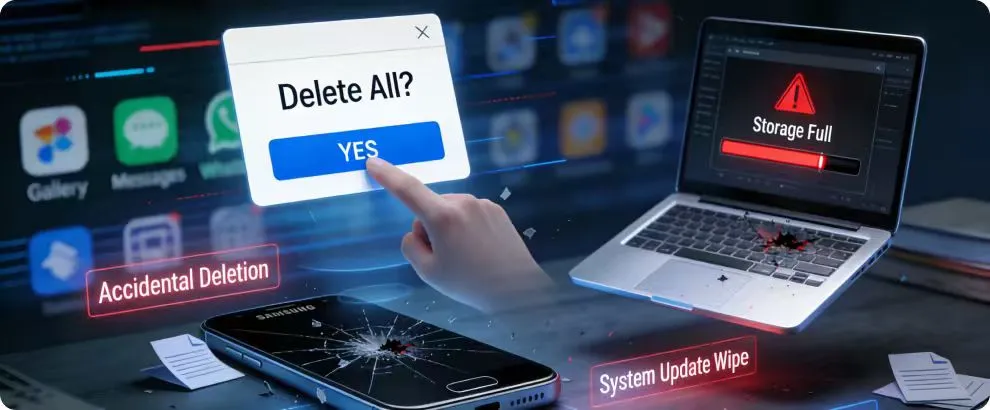
Android phones have become faster, more powerful, and packed with features — but that also means more chances for mistakes. With so many apps, settings, and background processes running at once, file conflicts happen more frequently than most users notice.
Accidental deletion is still the biggest reason data disappears. A quick swipe in the gallery or a mistaken tap during cleanup can remove photos or videos instantly. As storage fills up, people try to manage space faster, which often leads to errors.
System updates also play a role. When devices reboot or optimize storage, temporary files and message histories can be wiped without warning. App crashes add another layer, especially with messaging apps that store data locally, increasing the need for Android data recovery tools.
In 2025, data loss isn’t about being careless.
It’s the result of using a device that holds more information than ever before.
The Panic Moment: What People Usually Try First (And Why It Fails)

When data disappears, most users react instantly. The rush to “fix it fast” often leads to steps that do more harm than good. and make data recovery impossible. In the first few minutes, people rely on instinct instead of guidance — and that’s where recovery becomes harder.
Restarting the phone immediately
A restart feels like a natural reaction, but it doesn’t help with data recovery. In many cases, it overwrites temporary storage and reduces the chance of restoring photos or messages. The phone boots up clean, but the lost data stays lost.
Downloading random “fast recover” apps
People often grab the first data recovery app they see on the Play Store. Most of these apps don’t have real scanning capabilities. Some only show ads, while others risk overwriting deleted files with their own cache. The faster the download, the lower the reliability.
Trying unverified tricks from social media
Short videos promising “instant data recovery” spread easily online. Many of these tricks involve toggling settings or using shortcuts that don’t actually retrieve files. At best, they waste time. At worst, they push users into deeper system changes that complicate recovery.
In the panic moment, users want quick fixes — but those quick fixes usually reduce the chances of getting anything back.
What “Android Data Recovery” Really Means in 2025
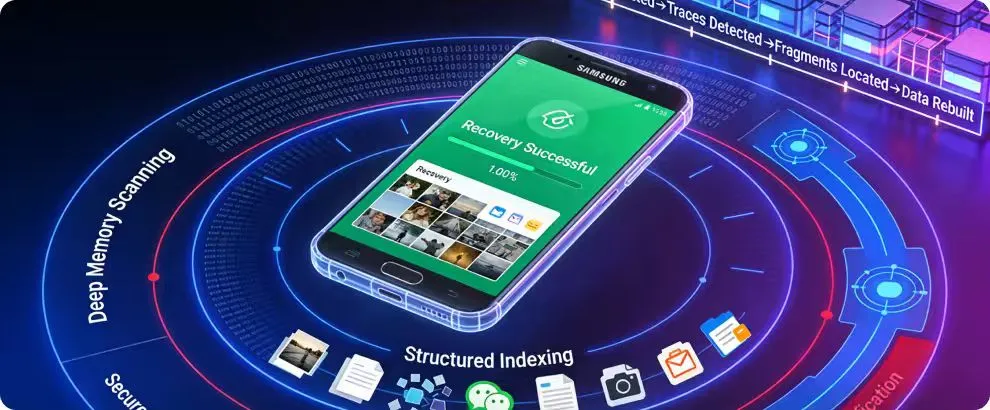
Android data recovery has evolved far beyond the old methods of digging through system folders or relying on risky root access. In 2025, data recovery tools use smarter scanning techniques that read hidden storage layers without modifying the device.
Data isn’t always deleted the moment it disappears. Most files remain traceable for a short period. Modern recovery tools identify these traces and rebuild them before new data overwrites the space.
Today’s data recovery systems rely on:
- deep memory scanning to locate old file fragments
- structured indexing to rebuild photos, chats, and media
- secure pathways that avoid modifying sensitive system areas
This shift has made data recovery safer, faster, and far more accessible for everyday users.
Why Most Data Recovery Methods Still Ask for Root Access
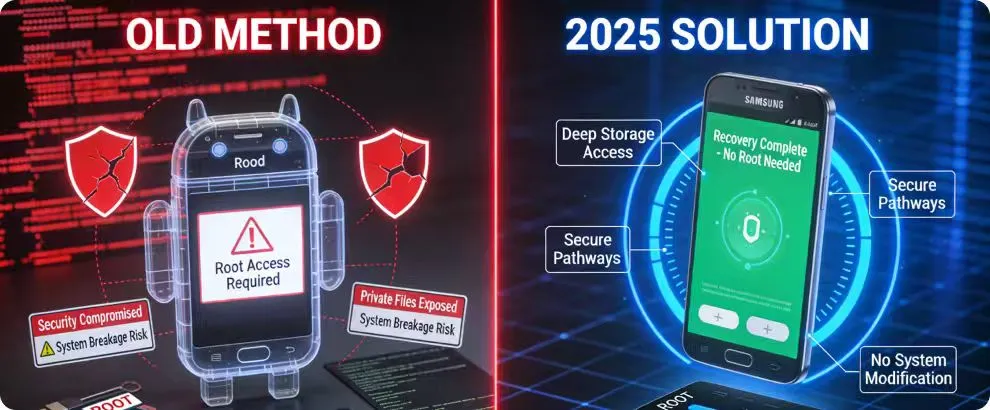
Many traditional data recovery guides still rely on root access because older Android systems stored important files in protected folders. Without root, tools couldn’t reach deep storage layers, so users were asked to unlock parts of the system that were never meant to be changed.
Rooting gives full control over the device, but that power comes with risk. It weakens built-in protections, exposes private files, and can break important features if something goes wrong. For everyday users, it’s more trouble than it’s worth.
In 2025, most users simply don’t want to modify their phone at a technical level. With stricter security updates, rooting has become even less practical. This is why no-root data recovery solutions gained popularity — they offer access without compromising safety.
Root access may have been necessary years ago, but today’s Android users expect data recovery without risking the entire device.
The Shift Toward No-Root Data Recovery Tools
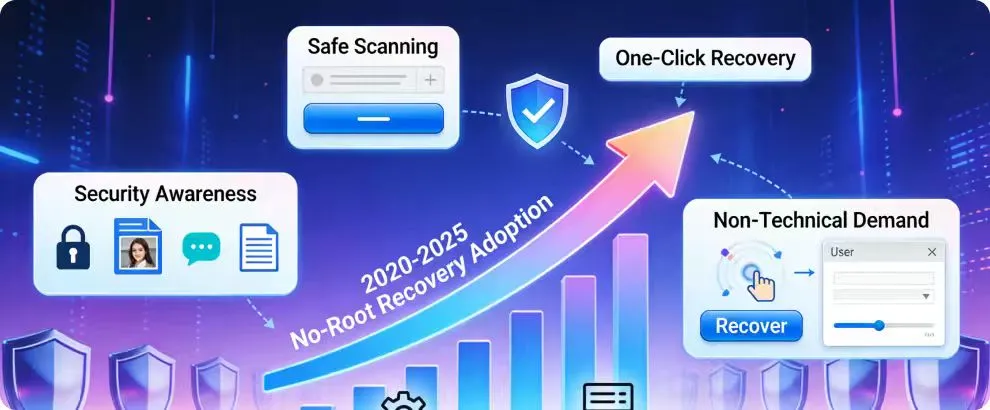
Over the last few years, Android users moved away from complicated data recovery guides and risky system modifications. People now prefer solutions that protect the device instead of exposing it. This shift is what pushed no-root recovery tools to the front in 2025.
Users realized that most deleted files can be recovered without touching system-level controls. Modern tools scan safely, rebuild missing data, and restore information without requiring dangerous access. This made no-root recovery the preferred method for regular users, not just tech experts.
Security awareness among regular users
With more people storing personal photos, chats, and documents on their phones, device security became a priority. Users want recovery solutions that don’t weaken Android protection or expose sensitive files.
Higher demand for non-technical recovery
Most users don’t want to follow long tutorials or perform system changes. No-root tools simplify the entire process, allowing anyone to recover photos or messages with minimal effort.
Emphasis on device safety and privacy
No-root solutions avoid the risks associated with rooting: warranty loss, data exposure, and OS instability. This makes them the safer default for anyone trying to retrieve lost files in 2025.
How RecoverD Helps Users Retrieve Lost Files Without Technical Steps
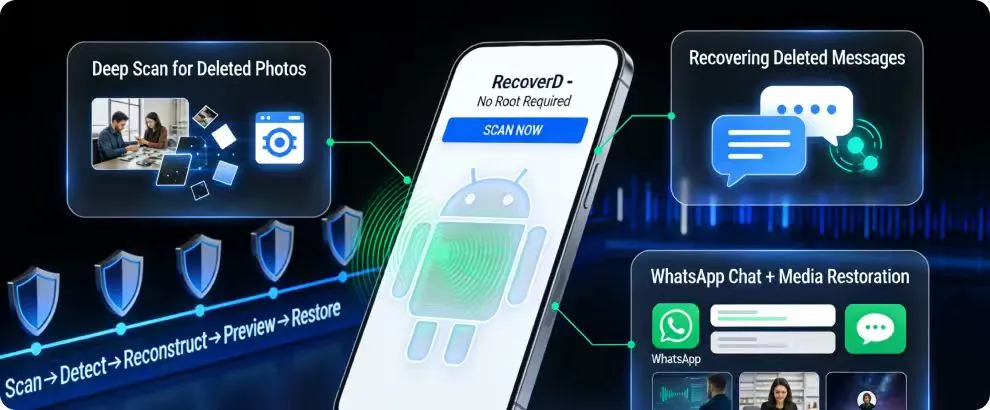
RecoverD was built for users who want a simple way to restore their missing data without touching system settings or performing complex procedures. It reads your device safely, scans hidden storage areas, and rebuilds deleted files — all without asking for root access.
The tool focuses on clarity and efficiency. Instead of loading the screen with technical options, it guides users through a clean, easy process that makes data recovery feel straightforward, even for beginners.
Deep scan for deleted photos
Photos often leave recoverable traces even after they’re removed from the gallery. RecoverD identifies those traces and reconstructs images without affecting the rest of your storage. It works on internal memory and supports devices with large photo libraries.
Recovering deleted messages
Text messages and app conversations disappear quickly when storage updates, but RecoverD reads the underlying message indexes to bring them back. It does this without overwriting existing chats, keeping everything organized and safe.
WhatsApp chat + media restoration
WhatsApp stores data in multiple hidden directories. RecoverD scans each layer to recover deleted messages, images, voice notes, and videos. Users get a preview before restoring, making it easy to recover only what matters.
Real Scenarios Where Users Needed RecoverD in 2025
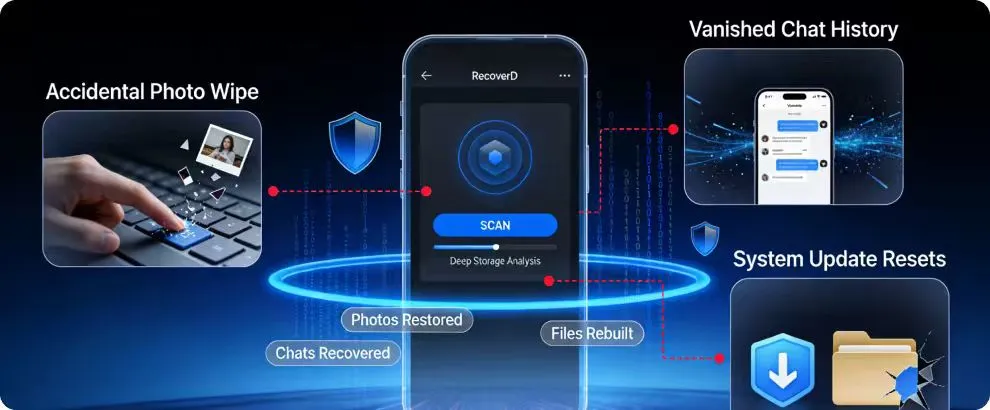
Data loss in 2025 didn’t happen in dramatic ways — it happened during normal, everyday moments. The situations below show how quickly important files can disappear and why users turned to safer recovery tools.
One common case came from users clearing storage too fast. While deleting large videos or screenshots, they accidentally wiped important photos. Many didn’t even notice until hours later, when the files were already gone from the gallery.
Another frequent situation involved messaging apps. People switched phones, reinstalled apps, or cleared cache to fix lag — only to realize their entire chat history vanished. For users who relied on WhatsApp for work or family communication, this became a major problem.
There were also cases where system updates caused unexpected resets. After a reboot, some users found missing downloads, broken folders, or empty albums. These weren’t mistakes — just unpredictable storage behavior.
In each scenario, RecoverD helped users restore files without technical steps, root access, or risky shortcuts.
It turned stressful moments into recoverable ones.
What Users Should Know Before Attempting Any Data Recovery
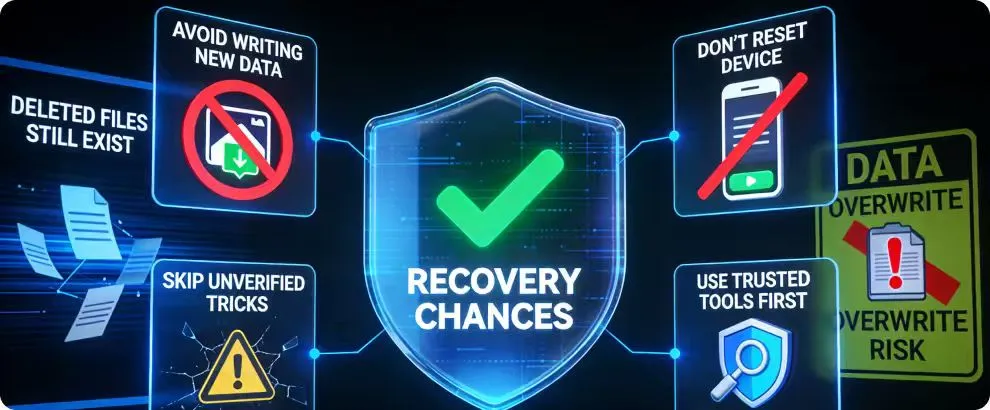
When files disappear, the first actions you take decide how much can actually be recovered. Acting too quickly or using the wrong tools can overwrite deleted data and reduce the chances of getting anything back.
One of the most important things to understand is that deleted files still exist in storage for a short time. They only become unrecoverable when new data replaces them. That’s why it’s crucial to avoid installing random apps or copying new files immediately after data loss.
To keep recovery chances high, users should follow a few essential guidelines:
- avoid writing new data (photos, downloads, videos)
- don’t reset the device again
- skip unverified recovery tricks
- use a trusted tool before trying anything technical
Understanding these basics prevents accidental damage and gives recovery tools a better chance to restore what’s missing.
Common Myths About “Deleted Data” That Confuse Users
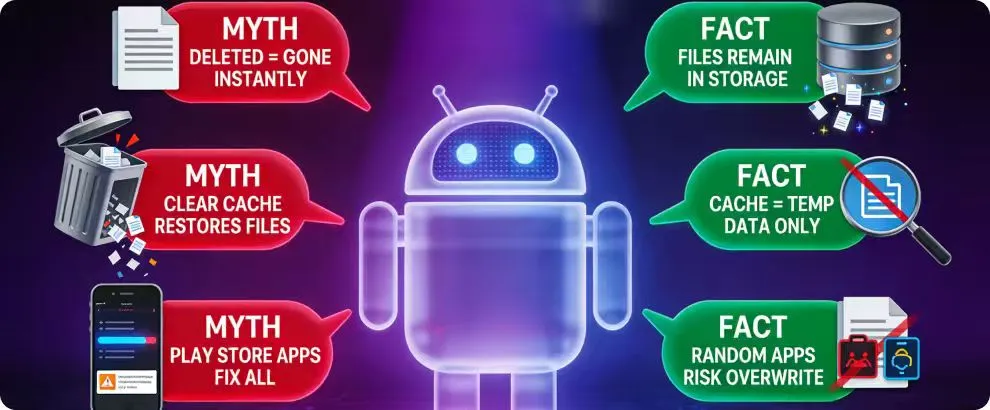
Many Android users assume that once something is deleted, it disappears instantly. In reality, the file often stays in the device’s storage for a while. What makes recovery difficult isn’t the deletion itself — it’s the actions taken afterward.
A common myth is that clearing cache will magically bring files back. Cache only stores temporary data, not the actual deleted photos or messages. Clearing it doesn’t restore anything and sometimes removes helpful recovery traces.
Another misconception is that installing a “super-fast recovery app” from the Play Store can fix everything. Most of these apps lack real scanning power. Some simply display ads, while others risk overwriting the very files users are trying to restore.
There’s also the belief that resetting the phone again might solve the issue. In reality, a reset almost always reduces recovery success. Every reboot rewrites parts of the storage, making lost files harder to reconstruct.
Understanding these myths helps users avoid decisions that damage their recovery chances — and makes the recovery process smoother and safer.
Why No-Root Recovery Became the Safer Default in 2025
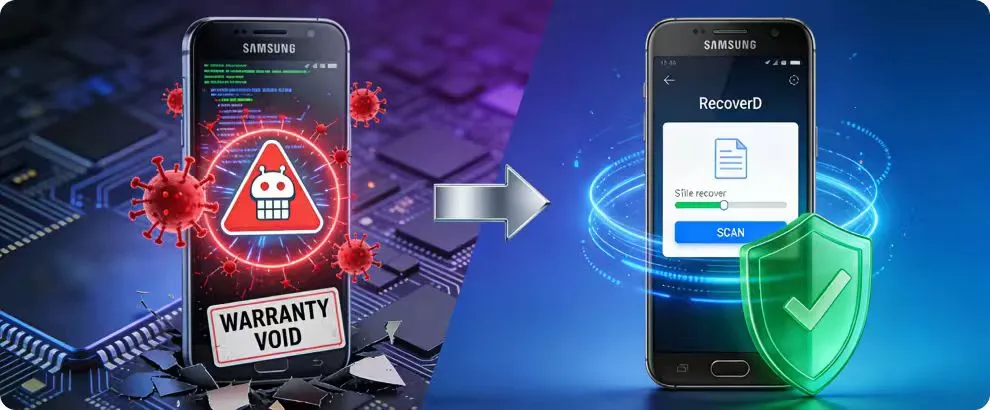
By 2025, most Android users moved away from risky, root-based recovery methods. Rooting may unlock deeper access to storage, but it also exposes the device to security risks, voids warranties, and destabilizes system features. Everyday users no longer see those risks as worth it.
At the same time, Android updates made rooting more complicated. Many new devices actively block root attempts, and the ones that don’t often trigger system alerts that scare non-technical users. This pushed people toward solutions that protect their devices instead of modifying them.
No-root recovery tools became the practical alternative. They read storage safely, rebuild deleted files without altering system layers, and keep user data protected throughout the process. Most importantly, they offer a level of simplicity users actually want — no technical steps, no risk, just clean recovery.
This shift wasn’t just a trend; it became the new standard for how everyday users handle data loss in 2025.
Final Thoughts: Data Loss Isn’t the End — But Smart Action Matters
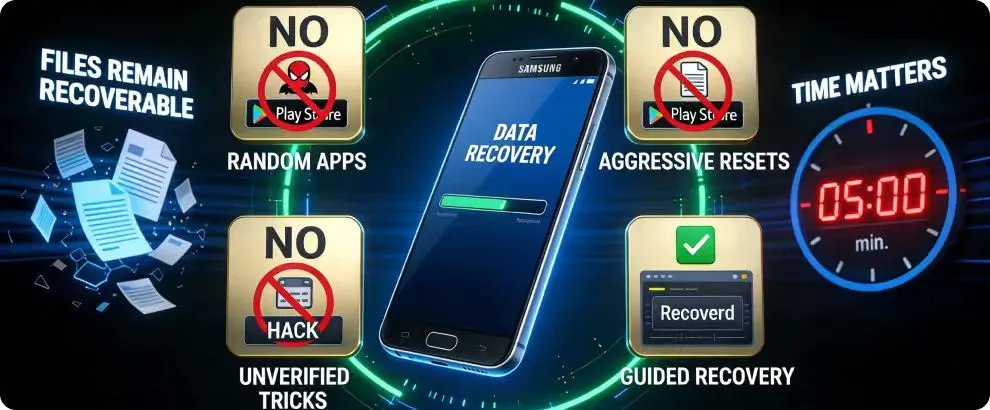
Data loss feels overwhelming, but it doesn’t have to be permanent. Most files remain recoverable if users avoid quick mistakes and choose the right recovery method. Acting carefully in the first few minutes makes a bigger difference than people realize.
The most important step is avoiding risky shortcuts. Random apps, aggressive resets, and unverified tricks often make the situation worse. A safer, guided approach helps preserve remaining data and increases the chance of full recovery.
In 2025, recovery isn’t about technical skills.
It’s about understanding how Android storage works and using the right tools at the right time.
Download RecoverD and Restore Your Lost Android Data Safely

Recovering deleted files doesn’t have to involve risky steps or complicated instructions. RecoverD by Goooch offers a clear, guided experience that helps users restore photos, messages, and WhatsApp data without touching system settings or performing root access.
It’s built for anyone who wants a safe recovery process that works quickly — even if they’ve never used a recovery tool before.
Quick download
RecoverD installs in just a few moments and doesn’t require any prep work. Users can start scanning their device almost immediately, without digging through menus or enabling hidden options.
Simple setup for beginners
The interface walks users through each step with clear instructions. There are no technical terms, no confusing checkboxes, and no advanced settings to worry about. Everything is designed to feel straightforward and stress-free.
Recover deleted files instantly
Once the scan begins, RecoverD identifies photos, messages, and media that still exist beneath the surface of your storage. Users can preview what’s recoverable and restore only the items they need — all in a clean, organized layout.