News
Photo Recovery on Android: How to Recover Deleted Photos Safely and Quickly
Losing photos on an Android phone can happen at any moment. A single tap, system error, or storage cleanup can remove valuable memories instantly. This is why photo recovery on Android has become essential for many users today.
Deleted photos are not always gone forever. In many cases, they remain hidden in storage until overwritten by new data. With the right approach, users can do Photo Recovery on Android safely and quickly without technical skills.
This guide explains how Photo Recovery on Android works. You will learn when recovery is possible, what mistakes to avoid, and how to restore lost images efficiently. Whether photos were deleted accidentally or removed permanently, understanding the how to do Photo Recovery on Android increases your success rate.
By the end of this article, Android users will know how to protect their photos, recover lost images responsibly, and avoid common recovery risks.
Understanding Photo Loss on Android Devices
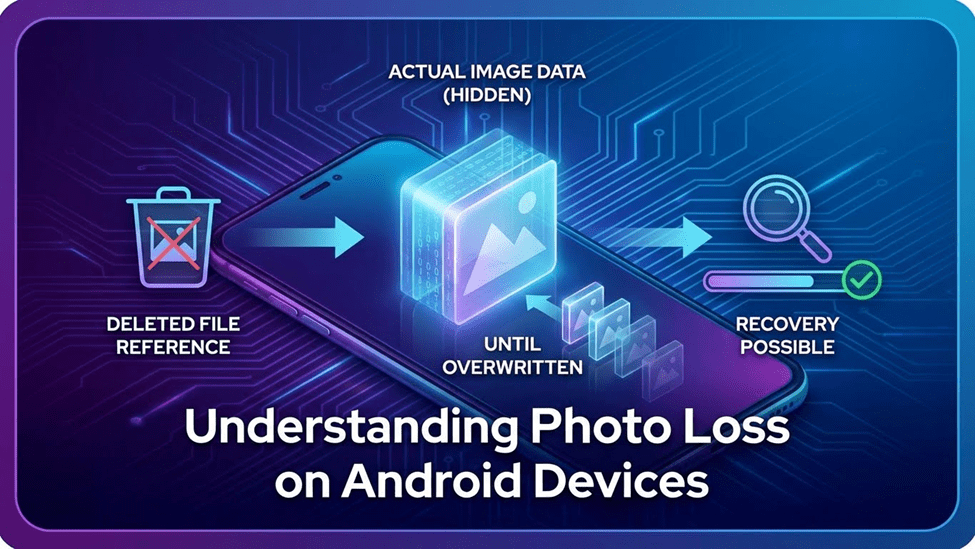
Photo loss on Android does not always mean permanent deletion. Android uses a layered storage system that manages files differently than many users expect. Understanding how this system works helps explain why Photo Recovery on Android is often possible.
When photos are deleted, Android usually removes the file reference, not the data itself. The actual image remains in storage until new data replaces it. This is why timing plays a critical role in recovery success.
Where Deleted Photos Actually Go
Most deleted photos first move to a temporary system folder or recycle area. Some devices store them in a “Recently Deleted” location for a limited time. If this period passes, the photos are marked as free space but still exist in memory.
At this stage, deleted photos Android users lose are not visible but remain recoverable. Recovery tools scan storage blocks to locate these hidden image files. This process enables users to do Photo Recovery on Android that no longer display.
Why Immediate Action Matters
Using your phone after photo deletion increases the risk of overwriting lost files. New photos, app installations, or system updates can permanently replace deleted data. Once overwritten, recovery becomes extremely difficult.
Acting quickly improves the chances of successful Photo Recovery on Android. Stopping unnecessary phone usage protects hidden data and allows recovery tools to scan effectively. Immediate action is often the deciding factor between full recovery and permanent loss.
Can Deleted Photos Really Be Recovered?
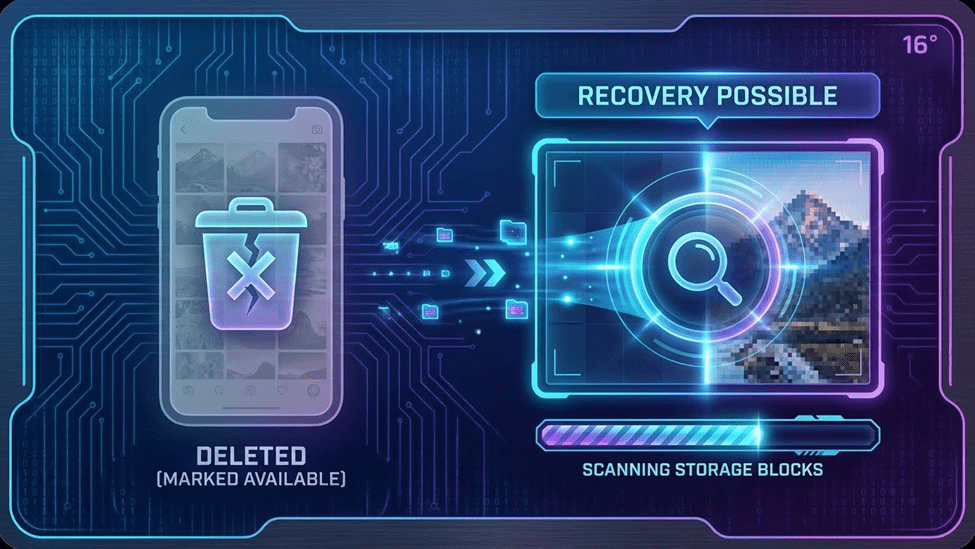
Many Android users assume deleted photos are gone forever. In reality, Photo Recovery on Android depends on how the storage system handles deletion. When a photo is removed, Android usually marks the space as available instead of erasing the file immediately.
This means Photo Recovery on Android is often possible under the right conditions. Understanding these conditions helps users decide when to act and what to expect from the recovery process.
When Photo Recovery Is Possible
Photo Recovery on Android works best when the deleted data has not been overwritten. If no new files replace the storage space, recovery tools can still locate the image. This applies to photos deleted from galleries, file managers, or third-party apps.
Photo Recovery on Android is also possible when backups are disabled or missing. Even without cloud storage, local scans can retrieve deleted photos Android users lose accidentally. The key factor is time, as quick action preserves recoverable data.
In cases of permanent deletion, success depends on device usage after removal. Limiting phone activity improves the chance to do Photo Recovery on Android devices that no longer show. While recovery is not guaranteed, the right approach significantly increases success rates.
Photo Recovery Methods Android Users Commonly Try
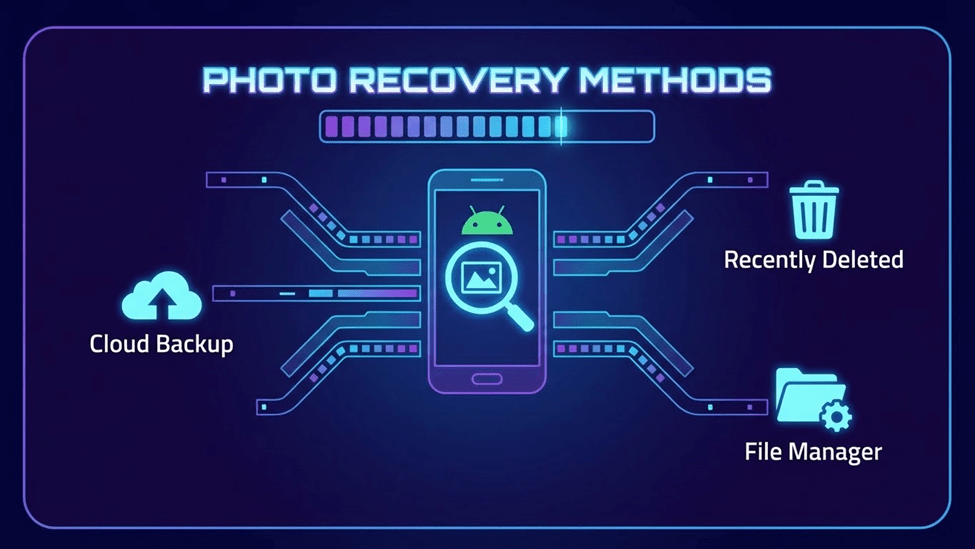
When photos disappear, Android users often attempt several recovery methods before using dedicated tools. Some methods work in specific situations, while others offer limited success. Understanding these options helps users choose the most effective recovery path.
Checking Cloud and Local Backups
Many Android devices sync photos to cloud services automatically. Google Photos and other backup platforms may still store deleted images. Checking these backups is often the quickest way to restore lost photos.
Local backups stored on external storage or computers can also help. However, backups must be created before deletion to be useful. Without prior backup, this method cannot restore missing images.
Limitations of Manual Recovery
Manual recovery methods rely heavily on existing backups or temporary folders. Once photos are removed from these locations, Photo Recovery on Android becomes difficult. Android does not provide built-in tools to scan hidden storage sectors.
Users also risk overwriting deleted photos while searching manually. Installing new apps or copying files can permanently erase recoverable data. These limitations reduce the success rate of manual recovery.
Why Recovery Apps Perform Better
Photo recovery apps use scanning algorithms to locate deleted files in device storage. They search beyond visible folders and detect hidden image data. This allows users to recover deleted photos Android systems no longer display.
These apps also offer previews, which help users verify photos before restoring them. Compared to manual methods, Photo Recovery on Android apps provide higher accuracy and faster results. This makes them the preferred choice for reliable photo recovery on Android devices.
How Photo Recovery Apps Work on Android
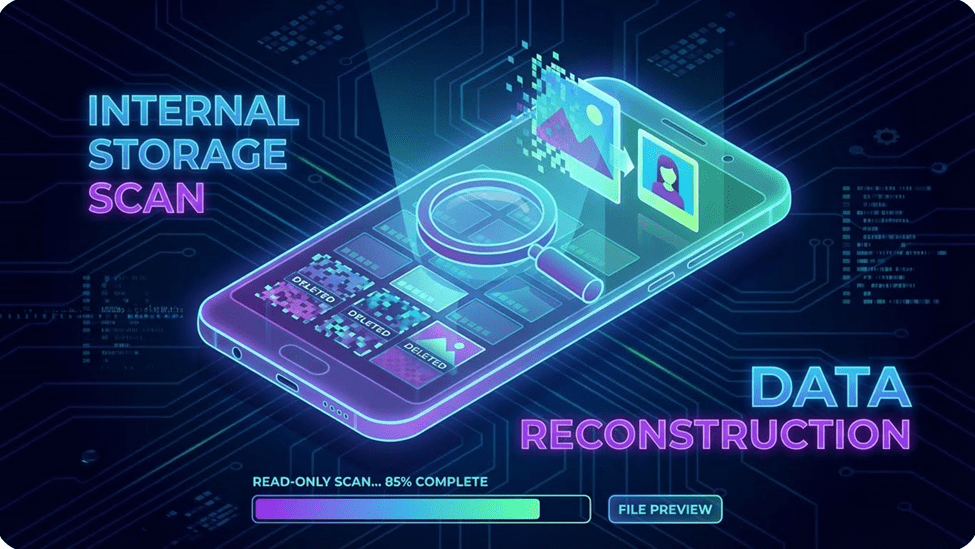
Photo recovery apps operate by scanning the internal storage of Android devices. Instead of relying on visible folders, they analyze storage sectors where deleted files once existed. This approach allows them to identify image data that is no longer accessible through the gallery.
When a photo is deleted, Android removes its reference but not the actual data immediately. Recovery apps search for these unlinked data blocks and rebuild the image files. This process makes Photo Recovery on Android possible even after photos disappear from the device interface.
Most recovery apps perform read-only scans to protect existing data. They do not modify or overwrite files during the process. This ensures that deleted photos Android users want to restore remain intact until recovery is complete.
Advanced recovery tools also support file previews. Users can check image quality before restoring photos. This improves accuracy and reduces unnecessary file recovery, making the process efficient and safe.
How to Recover Deleted Photos Safely and Quickly

Successful Photo Recovery on Android depends on preparation and careful execution. Rushing the process can reduce recovery chances. Following a structured approach helps Android users restore photos without risking permanent loss.
Preparing Your Android Device for Recovery
Stop using your phone as soon as you notice photo loss. Avoid taking new photos or installing apps. These actions can overwrite deleted image data.
Turn off automatic updates and background downloads temporarily. This protects storage space and improves photo recovery success. Keeping the device idle preserves recoverable photo fragments.
Running a Secure Photo Scan
Launch a trusted Photo Recovery on Android app and start a scan. The app will analyze storage areas where deleted photos may exist. This process works without changing system files.
Allow the scan to finish completely for better results. Interrupting the scan may skip hidden files. A full scan increases the chance to recover deleted photos Android users cannot see.
Previewing and Restoring Images
After scanning, preview the recovered photos carefully. Previews help confirm image quality and relevance. This step prevents restoring unnecessary or corrupted files.
Select only the photos you want to recover and complete the process. Save recovered images to a safe location. This ensures fast, secure, and effective photo recovery on Android devices.
Why RecoverD Is Built for Android Photo Recovery
RecoverD is designed specifically for Android users who want a fast, safe, and reliable way to recover deleted photos.
Unlike generic recovery apps, it focuses on the Android ecosystem, ensuring full compatibility and protection of user data. Its intuitive design makes recovery simple even for beginners.
No Root Required for Photo Recovery
One of the biggest challenges with many recovery apps is the need to root your device. Rooting can void warranties and expose phones to security risks.
RecoverD works without rooting, scanning the storage safely while keeping existing data untouched. Users can recover deleted photos Android devices lose without compromising device integrity.
High Accuracy for Deleted Photos
RecoverD uses advanced scanning algorithms to detect deleted image files that are often invisible to standard recovery tools. It identifies both recently deleted and older photos, increasing the chance of full recovery.
The app also allows users to preview recovered images, ensuring they restore only the desired files. This high accuracy makes RecoverD a dependable solution for Android photo recove
Recovering Permanently Deleted Photos on Android
Many users worry when photos disappear completely from their Android device. The term “permanently deleted” can sound alarming, but understanding what it truly means helps set realistic expectations for recovery. Even in such cases, recovery may still be possible under the right conditions.
What “Permanently Deleted” Really Means
When a photo is “permanently deleted,” Android removes the file reference and marks its storage space as available for new data. The photo itself may still exist in the memory until it is overwritten. This is why immediate action is critical.
Recovery apps, like RecoverD, can scan these unallocated storage areas to locate and reconstruct lost photos. While success is not guaranteed, the chances of restoring permanently deleted photos Android users think are gone increase significantly if the device hasn’t been heavily used after deletion.
Understanding this distinction helps users act quickly, avoid overwriting, and make the best use of recovery tools for safe and efficient photo recovery.
Improving Photo Quality After Recovery
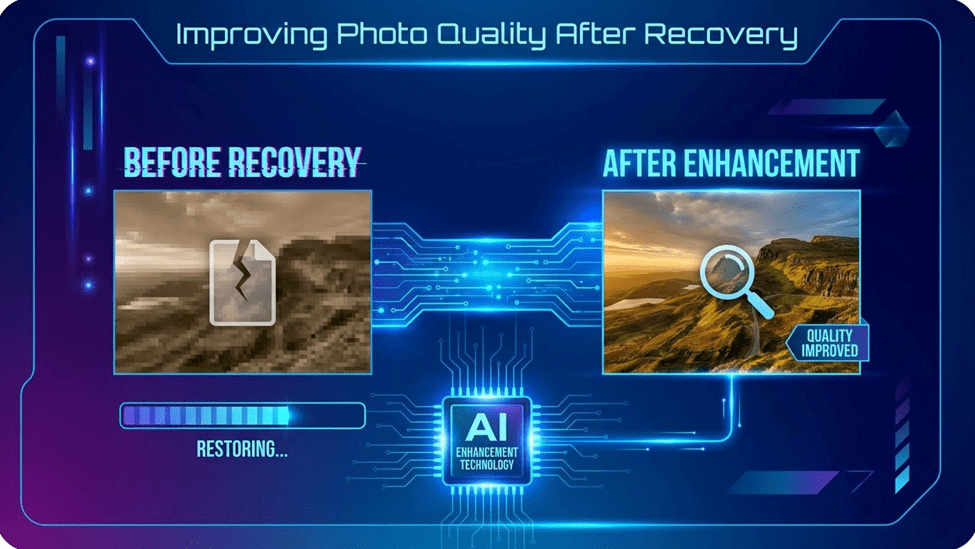
Recovering photos is only the first step. Often, restored images may appear blurry, pixelated, or slightly degraded due to file fragmentation or compression. Enhancing the quality ensures that your photos look sharp and vibrant, ready for sharing or printing.
Fixing Blurry or Low-Resolution Photos
Basic tools can adjust brightness, contrast, and sharpness to improve clarity. These adjustments fix minor imperfections and make the image look more natural. Even small tweaks can significantly improve the viewing experience, especially for older or heavily compressed photos.
Using AI to Restore Photo Details
Advanced recovery tools like RecoverD include AI photo enhancement features. AI algorithms analyze the image and reconstruct lost details, upscale resolution, and reduce noise. This process restores texture, edges, and colors, making the recovered photo appear almost like the original.
Using AI ensures that even low-resolution or slightly damaged images regain their clarity. It’s particularly helpful for cherished memories where quality matters most.
Final Thoughts on Photo Recovery for Android Users
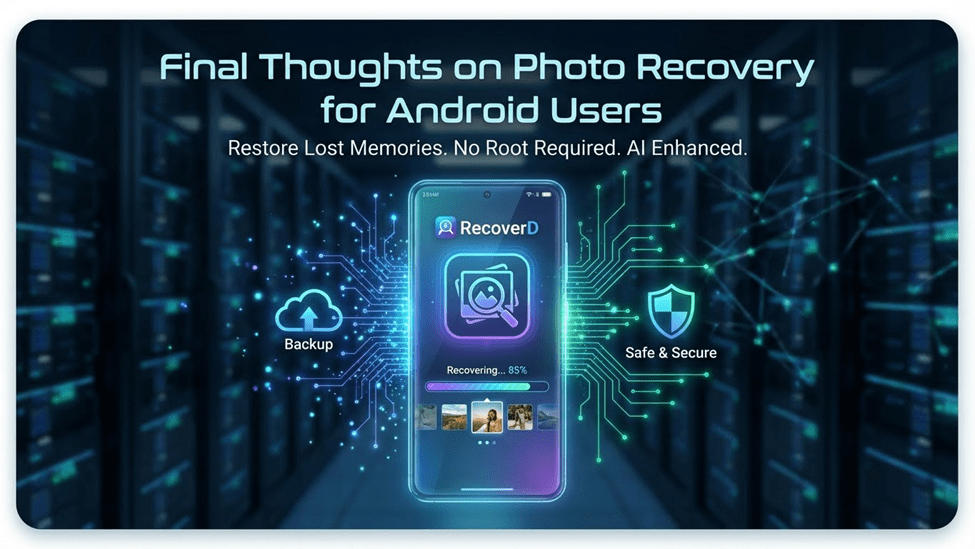
Losing photos on Android can be stressful, but you can be rest assured when Goooch is here. With the right approach and tools, most deleted images can be recovered safely and efficiently. Understanding how Android handles deleted files and acting quickly are key to successful recovery.
Using dedicated recovery apps, like RecoverD, simplifies the process. It allows users to recover deleted photos Android devices no longer display, restore permanently deleted images, and even enhance photo quality with AI. No rooting or technical skills are required, making it accessible for everyone.
Always remember to take preventive measures, such as regular backups and careful device usage, to reduce future data loss. By combining proactive habits with reliable recovery tools, Android users can protect their memories and restore lost photos without hassle.
Recovering photos is easier than most people think. With careful action and the right software, even the most valuable images can be restored quickly, safely, and effectively.