News
iPhone Location: Powerful Insights on Why Apps Rely on GPS and How Spoofing Impacts Accuracy
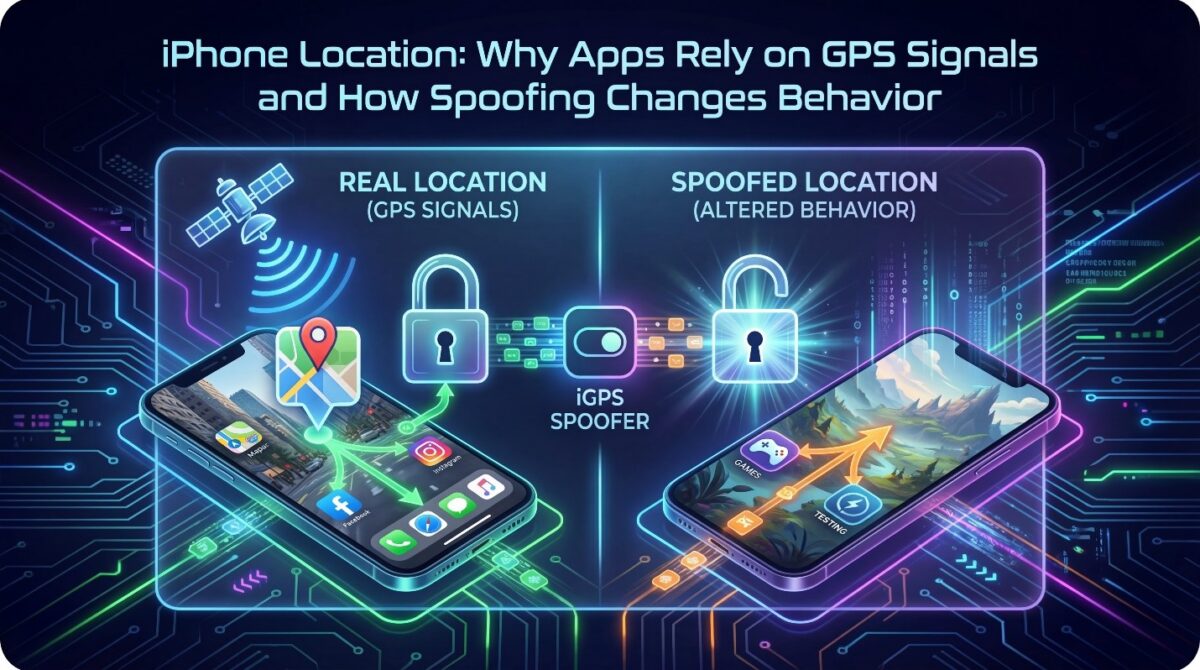
iPhone location data plays a central role in how modern apps function, personalize experiences, and enforce regional behavior. From navigation tools to social platforms and mobile games, GPS signals determine what users see, access, or unlock. Because location influences so many outcomes, it has become one of the most relied-upon data points in the iOS ecosystem.
Many users are unaware that iPhone location is not just a single signal but a layered system combining GPS, Wi-Fi, Bluetooth, and network data. Apps continuously interpret these signals to infer movement, presence, and intent. This reliance explains why location accuracy directly affects app behavior, content delivery, and feature availability across different categories.
Understanding how iPhone location spoofing changes this behavior requires first understanding how apps interpret location data in normal conditions. When location inputs are altered, apps respond differently, often without detecting the change immediately.
This article explores why iPhone location matters, how apps depend on it, and how spoofing reshapes digital behavior patterns.
How iPhone Location Is Determined by Multiple Signals
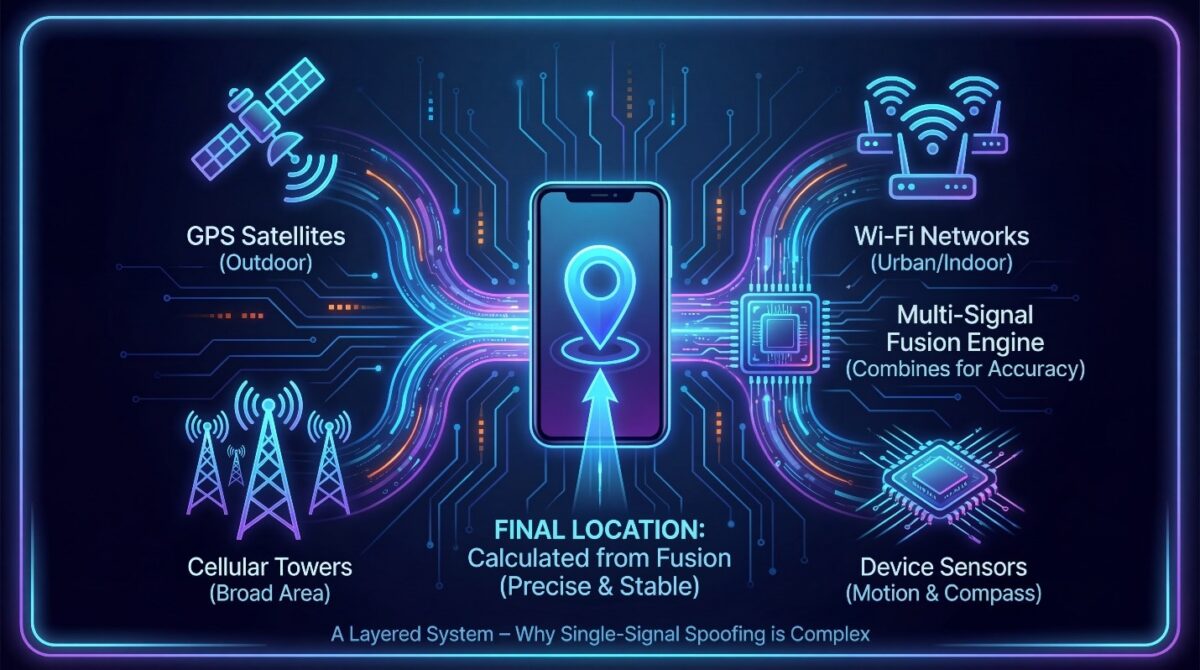
iPhone location is not determined by GPS alone, even though many users believe satellites are the only source involved. Apple combines several data sources to calculate location accuracy, speed, and stability. This multi-layered approach helps apps deliver precise results, especially in environments where satellite signals are weak or inconsistent.
Because multiple signals work together, iPhone location behavior can change depending on surroundings, device settings, and network availability. Understanding this layered system explains why iPhone location sometimes appears inaccurate and why spoofing one signal can still influence overall behavior inside apps relying on iPhone location data.
The Role of GPS, Wi-Fi, and Cellular Networks
GPS satellites provide global positioning data, but they are not always reliable indoors or in dense urban areas. To compensate, iPhones also use nearby Wi-Fi networks and cellular towers to estimate position. These sources improve responsiveness and reduce delays when precise satellite data is unavailable.
Wi-Fi-based positioning relies on known network locations stored in large databases, while cellular triangulation estimates distance from nearby towers. Together, these systems allow iPhone location services to function smoothly even when GPS accuracy temporarily drops or fluctuates.
Why Apps Depend Heavily on iPhone Location Data
Many apps are built around location-driven logic, including navigation, social platforms, delivery services, and mobile games. These apps request iPhone location data continuously to personalize content, restrict access, or trigger real-time actions based on geographic movement.
Because apps trust the system-level location framework, they rarely verify how the data is generated. This reliance explains why changing iPhone location behavior can immediately alter app responses, features, and accessibility without modifying the app itself.
Why Apps Depend So Heavily on iPhone Location Data
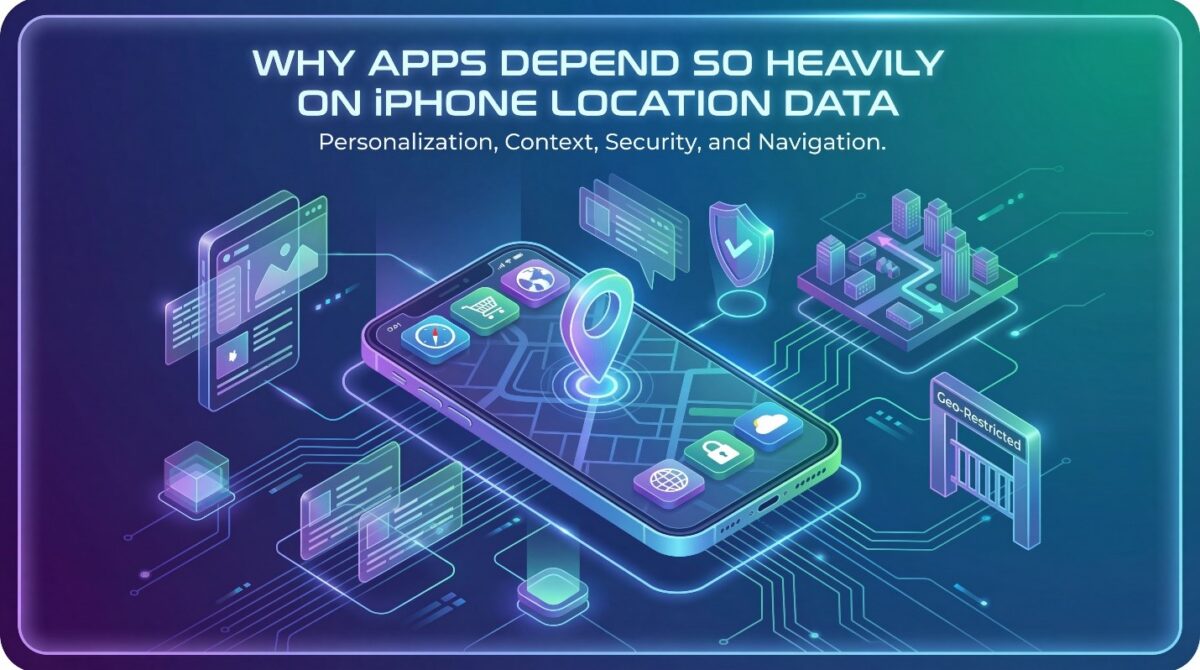
iPhone location data plays a central role in how modern apps personalize experiences, control access, and deliver context-aware features. From navigation to social media, location signals allow apps to adjust content dynamically based on where a user appears to be operating at any moment.
Developers rely on GPS because it provides real-world context that static user profiles cannot offer. iPhone location helps apps determine relevance, security risk, regional restrictions, and behavioral intent.
Without reliable iPhone location signals, many core app functions would become inaccurate, inefficient, or entirely unusable.
Location as a Core Context Signal for Mobile Apps
Apps use iPhone location data to understand user intent more accurately than demographics alone. A navigation app needs real-time positioning, while food delivery platforms depend on proximity to show available restaurants.
iPhone location transforms generic software into responsive, situationally aware systems.
Beyond convenience, iPhone location acts as a decision trigger inside app logic. Pricing, recommendations, notifications, and accessibility features often change instantly based on GPS input. This makes location one of the most influential data points in mobile application behavior.
Security, Compliance, and Regional Restrictions
Many apps rely on iPhone location to enforce geographic rules and compliance requirements. Streaming platforms restrict content by region, financial apps detect unusual access locations, and social platforms adjust visibility based on local regulations. GPS data helps maintain these boundaries automatically.
From a security perspective, sudden iPhone location changes can signal account misuse or fraud. Apps compare expected movement patterns against live GPS data to assess risk. This reliance explains why location accuracy is treated as a trust signal across many platforms.
Behavioral Insights Driven by Location Patterns
Over time, apps infer behavioral patterns from repeated location signals without storing exact movement histories. Frequent iPhone location help apps optimize performance, predict needs, and improve user experience. Even without explicit tracking, location strongly influences how apps adapt to users.
This dependency on GPS explains why altering iPhone location can significantly change app behavior. When location signals change, the entire contextual framework apps rely on is instantly reshaped.
How iPhone Location Systems Interpret Movement and Presence
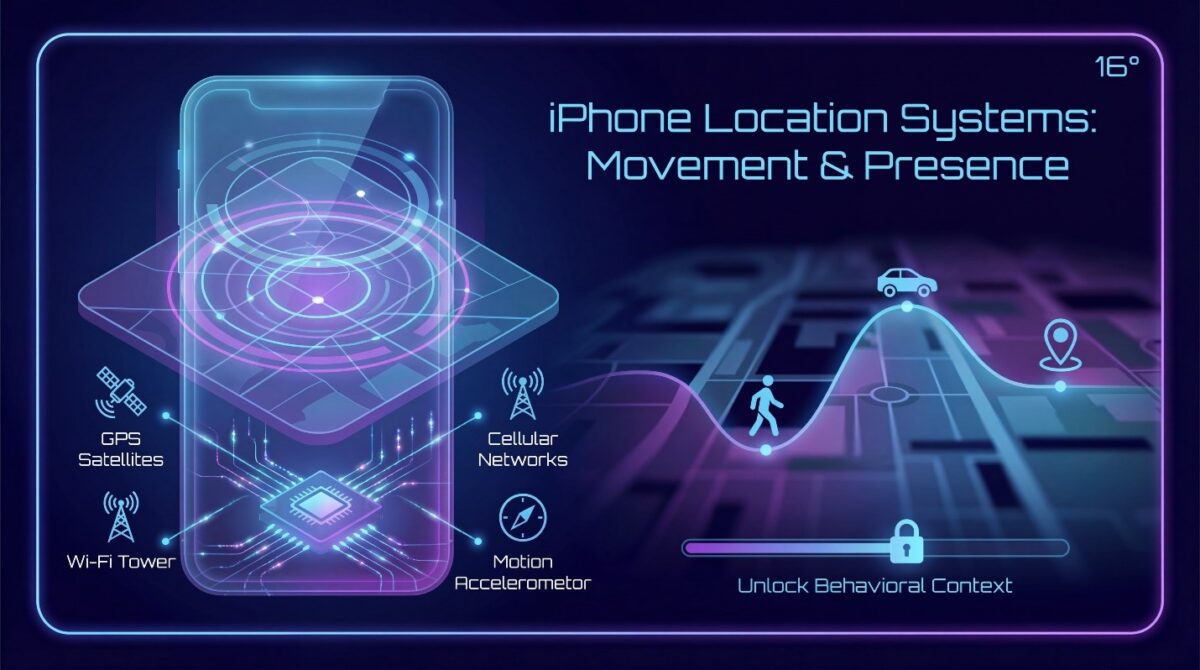
iPhone location data is not a single GPS signal but a layered interpretation of multiple inputs working together. Apple’s system continuously evaluates satellite data, network signals, and device sensors to determine where a user is and how that location should be interpreted by apps. This interpretation directly affects how applications behave.
Rather than treating location as a fixed coordinate, iOS views iPhone location as a behavioral context. Movement speed, signal stability, and environmental consistency all influence how confidently the system believes a device is present at a specific place. This is why location-based apps react differently depending on signal conditions.
The Role of GPS, Wi-Fi, and Cellular Signals Together
GPS satellites provide raw positional data, but that data alone is often incomplete or unstable. iPhones therefore combine GPS readings with nearby Wi-Fi networks and cellular towers to improve accuracy. This fusion allows the system to validate whether movement appears natural or inconsistent.
When these signals align, apps receive a strong confidence signal about location authenticity. When they conflict, iOS may delay updates or smooth movement artificially, affecting how location-sensitive apps respond to user behavior.
Why Apps Trust System-Level Location Decisions
Apps do not independently verify physical location; they rely on iOS to interpret environmental signals correctly. This centralized trust model ensures consistency across applications but also means behavior changes when the system’s inputs change.
When iPhone location inputs are altered at the system level, app behavior adapts automatically. This is why controlled location modification tools influence multiple apps simultaneously without requiring individual app configuration.
How Spoofed Signals Alter App Perception
When iPhone location inputs are modified intentionally, the iPhone continues interpreting them as genuine environmental data. Apps respond based on perceived movement, distance, and presence rather than actual physical location.
This explains why location spoofing changes gameplay mechanics, content availability, and regional restrictions. The system reacts to signals, not intent, reshaping app behavior accordingly.
How GPS Signals Shape App Behavior on iPhone
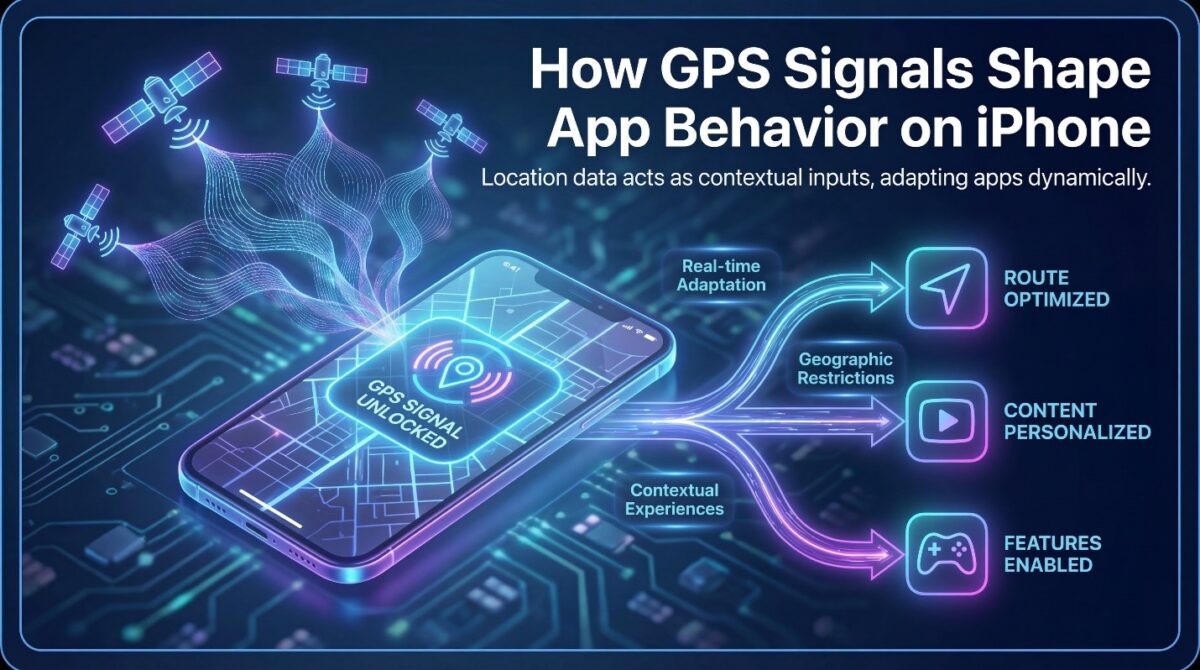
iPhone location data plays a central role in determining how apps behave, what content they show, and which features become available. GPS signals act as contextual inputs, allowing applications to adapt dynamically based on where a device appears to be located at any given moment.
From navigation to entertainment, developers rely on location awareness to personalize experiences and enforce geographic restrictions. Understanding how GPS influences app logic helps explain why changing an iPhone’s location can significantly alter app behavior, access, and functionality across different use cases.
Why Apps Depend on Location Signals for Decision Making
Many apps use iPhone location data to deliver region-specific content, comply with licensing rules, or enable location-based features. Streaming platforms, social apps, and games all adjust behavior depending on detected geographic signals, making GPS a core decision-making input.
Location signals also help apps prevent misuse, enforce fairness, and optimize user experiences. For example, games may unlock local events, while services may restrict features based on country-level regulations, all driven by real-time GPS data.
How iOS Processes and Shares Location Information
iOS collects location data using GPS satellites, Wi-Fi networks, and cellular signals to improve accuracy. This processed location is then shared with apps through system-level permissions, ensuring users retain control over which applications can access their location.
Although iOS emphasizes privacy, once permission is granted, apps trust the provided location data implicitly. This trust-based model means apps rarely question whether a location is genuine, only whether it is available and consistent.
The Behavioral Impact of Location-Based App Logic
When apps respond to location signals, user behavior is subtly shaped by geographic assumptions. Recommendations, accessibility, and interactions change based on perceived location, influencing how users engage with digital services.
This dependence explains why altering location data can transform app behavior entirely. By understanding this relationship, users gain insight into how location awareness drives digital experiences on iPhone devices.
How Apps Use GPS Signals to Determine Location
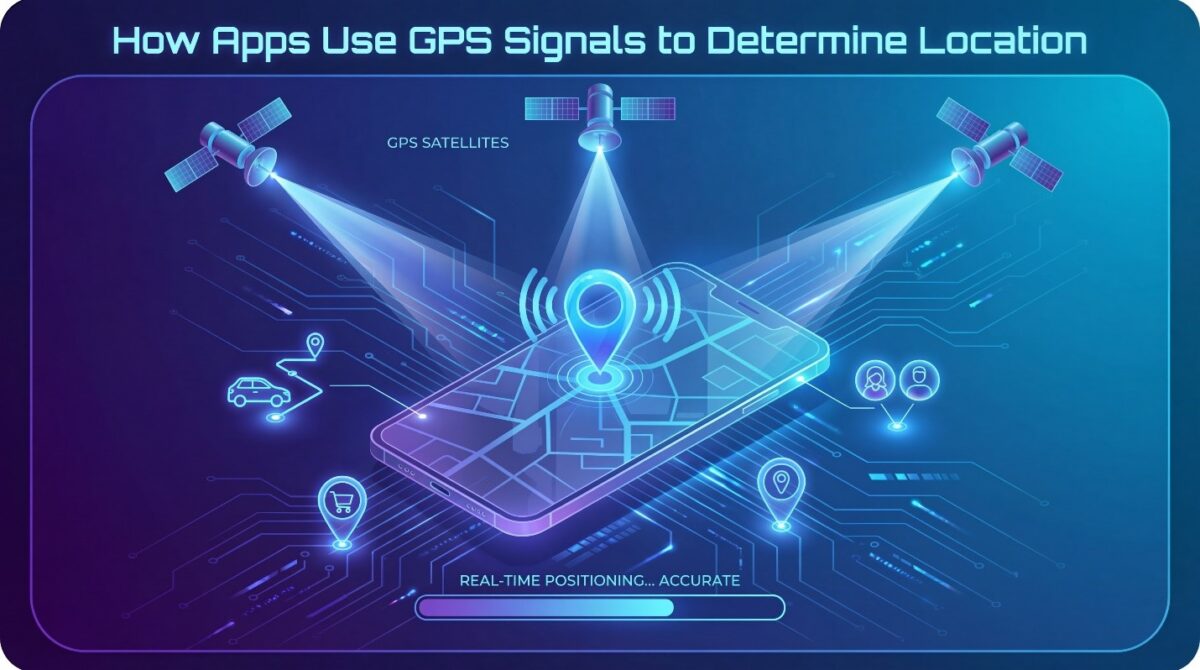
Many apps on iPhone devices rely heavily on GPS signals to provide accurate location-based services. These signals allow applications to pinpoint a device’s coordinates, enabling navigation, ride-sharing, local recommendations, and location-aware social features. GPS provides real-time positioning, ensuring that apps can deliver relevant information and functionality based on where the user actually is.
Apps interpret GPS data not just for mapping but also for personalized content delivery. For instance, navigation apps calculate routes and estimated arrival times, while social media apps suggest nearby events or friends. The precision of GPS signals directly affects the quality of user experience, making location accuracy a critical component for app developers.
Real-Time Location Tracking in iPhone Apps
iPhone apps continuously monitor GPS signals to update location in real time. This ensures dynamic services, such as live tracking in fitness apps or location tagging in social media posts. GPS updates are processed in small intervals to maintain accuracy without significantly draining battery life.
Real-time tracking also allows apps to adjust notifications, offer geo-fenced alerts, and provide context-specific recommendations. The system integrates GPS with other sensors like Wi-Fi triangulation and Bluetooth to improve precision in urban or indoor environments.
Location Accuracy and App Functionality
The accuracy of GPS signals directly impacts the functionality of apps. Inaccurate readings can result in wrong directions, misplaced social tags, or improper recommendations. Apps rely on a combination of latitude, longitude, and sometimes altitude to calculate location-dependent services.
To maintain performance, apps often cross-check GPS data with network and sensor information, creating a multi-layered verification system. Without reliable GPS input, many features, including location-based gaming, ride-hailing, or even weather apps, could fail to provide expected results.
Limitations of Standard GPS Data
Despite technological advances, GPS is not foolproof. Factors like signal obstruction by buildings, poor satellite alignment, or environmental interference can reduce accuracy. Apps are designed to compensate using predictive algorithms, but these systems are not perfect. Users may notice delays or minor errors in location-dependent features.
Understanding these limitations helps users appreciate why some apps respond differently to changes in GPS input and why location spoofing can effectively alter app behavior.
How iGPS Spoofer Alters Location Signals on iPhone
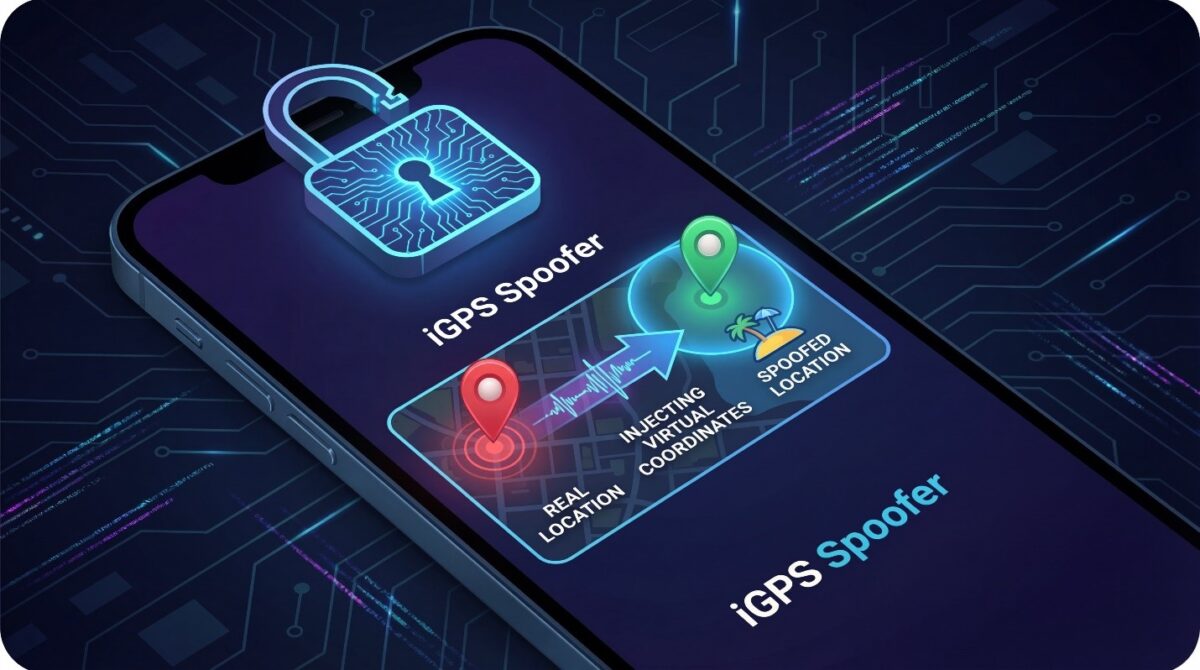
iGPS Spoofer allows users to manipulate the GPS signals their iPhone sends to apps, effectively changing the perceived location without physically moving. By intercepting and modifying the standard location data, this tool creates the appearance of being somewhere else entirely. This capability can be applied for navigation testing, gaming, or privacy protection, depending on user needs.
The app works by injecting virtual GPS coordinates into the system, replacing the real-time values provided by the iPhone’s GPS module. When an application requests location information, it receives the spoofed data as if the user were physically present at that location. This ensures that all location-based services, from maps to games, operate according to the faked position rather than the actual one.
Changing Locations for Games Like Pokémon GO
Location-based games such as Pokémon GO rely heavily on GPS data to determine player position, in-game events, and spawn points. Using iGPS Spoofer, players can access locations across the globe, encounter region-specific Pokémon, and participate in distant raids.
The tool simulates movement by updating GPS coordinates dynamically, giving the appearance of travel without physical motion. This allows for a broader in-game experience while remaining fully digital, though users must understand potential risks if the platform detects abnormal location patterns.
Testing Apps and Navigation Scenarios
Developers often use iGPS Spoofer to simulate different geographic conditions for app testing. By virtually placing the device in various locations, testers can evaluate how apps respond to diverse GPS inputs, such as local search results, navigation routing, or geofencing triggers.
This simulated environment reduces the need for physical travel, saving time and resources while providing reliable data for quality assurance. Developers gain confidence that their apps function correctly across multiple regions without logistical constraints.
Privacy and Controlled Location Sharing
Beyond gaming and testing, iGPS Spoofer can help users maintain privacy by obscuring their real location. By broadcasting a spoofed location to apps, individuals can prevent tracking by social media or other third-party services.
This approach gives users control over location visibility while still enabling app functionality. It highlights the balance between digital convenience and personal privacy, demonstrating practical uses of location spoofing beyond entertainment.
Risks and Limitations of GPS Spoofing on iPhone
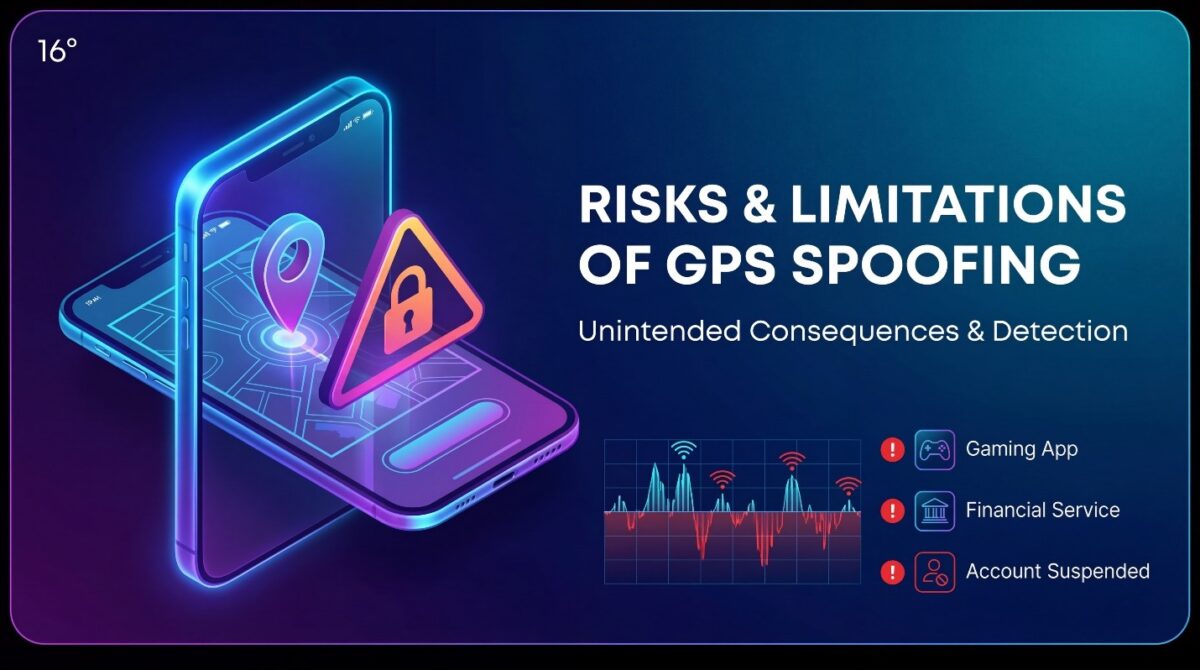
While iGPS Spoofer offers significant flexibility in changing iPhone location, it is essential to understand the risks and limitations associated with GPS spoofing. Manipulating GPS signals can lead to inconsistent app behavior, restricted functionality, or detection by platforms that monitor for unusual location activity. Users should weigh these considerations carefully before employing spoofing tools.
Some apps, particularly games and financial services, use anti-cheating or fraud detection algorithms. Repeated or extreme location changes may trigger warnings, temporary restrictions, or permanent account suspensions. Even minor deviations from expected GPS patterns can raise flags, emphasizing that spoofing carries consequences beyond casual experimentation.
App Detection and Compliance Issues
Many apps have built-in safeguards to detect location anomalies. For instance, games like Pokémon GO monitor sudden jumps across regions that are physically impossible in real time. iGPS Spoofer may bypass simple checks, but sophisticated detection systems can identify irregular GPS activity, potentially resulting in penalties.
Compliance issues extend beyond gaming. Certain services rely on accurate location for legal or regulatory reasons, such as ride-hailing apps or location-based financial services. Spoofing location in these contexts can violate terms of service or even local regulations, highlighting the importance of cautious use.
Technical Limitations and Device Compatibility
GPS spoofing is not always flawless. Factors like app-level restrictions, iOS updates, or network inconsistencies can limit spoofing accuracy. Some apps combine GPS with Wi-Fi triangulation and Bluetooth signals, making it more challenging for spoofed coordinates to appear fully authentic.
Moreover, continuous spoofing may impact battery performance or interfere with other location-dependent apps. Users should understand that spoofed locations can sometimes produce unexpected behavior, such as incorrect navigation routes or misaligned in-app notifications.
Balancing Utility and Ethical Considerations
While location spoofing provides benefits in gaming, testing, and privacy, it should be approached ethically. Misuse—such as deceiving others, cheating in competitive apps, or circumventing legal restrictions—can result in reputational, account, or legal consequences. Responsible use ensures that spoofing enhances user experience without crossing boundaries.
Best Practices for Using iGPS Spoofer Safely
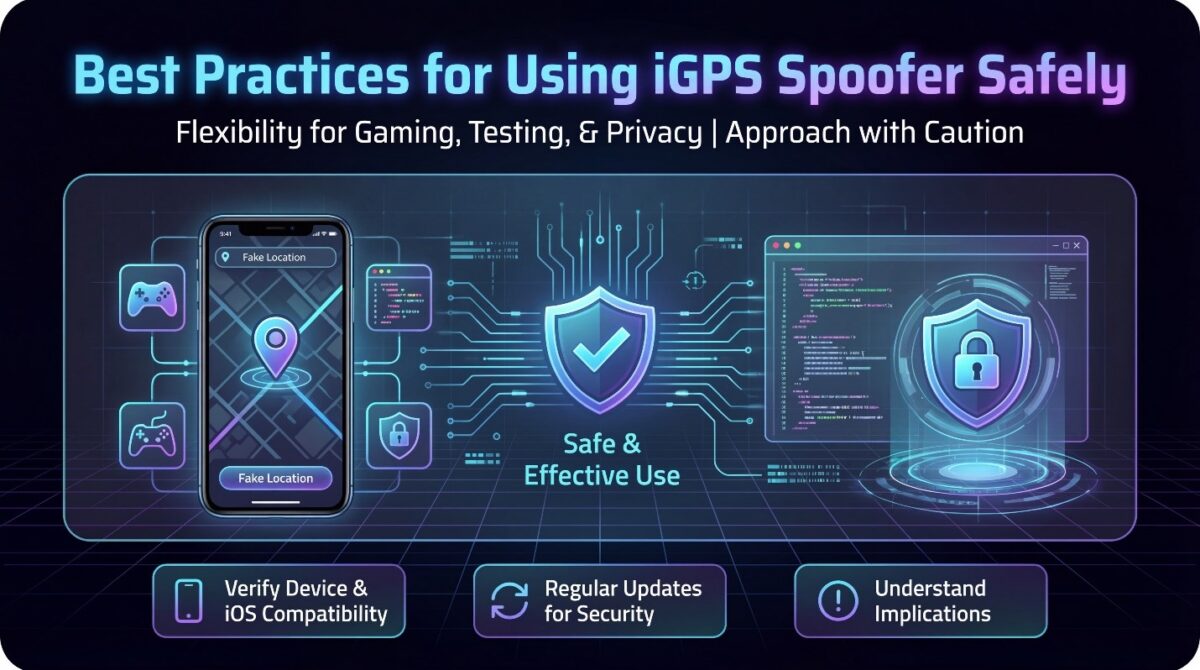
Using iGPS Spoofer can provide valuable flexibility for gaming, app testing, or privacy, but following best practices ensures safe and effective use. Users should approach location spoofing cautiously, understanding the technical, ethical, and regulatory implications while maximizing the tool’s utility.
First, it is essential to verify compatibility with your iPhone and iOS version. Ensuring that both the device and apps function correctly with spoofed locations reduces the risk of glitches or unexpected behavior. Regular updates of iGPS Spoofer also maintain security and prevent issues caused by iOS changes that may affect location services.
Test Gradually and Monitor App Responses
Instead of making extreme location jumps, users should test gradual movements to observe how apps react. Sudden, unrealistic changes can trigger anti-cheating mechanisms in games or raise alerts in other location-based services. Gradual testing allows users to adjust settings and verify functionality without attracting attention or causing disruptions.
Monitoring app behavior is equally important. Keep track of notifications, in-app alerts, or irregular behavior that may indicate a problem with spoofing. Regular observation ensures that the tool works as intended while minimizing potential risks.
Maintain Privacy and Ethical Usage
While spoofing can enhance privacy, users must avoid deceptive practices that may harm others or violate service agreements. Ethical use includes personal testing, gaming within boundaries, and protecting personal data without misrepresenting location to manipulate outcomes in competitive or regulated environments.
Additionally, users should avoid sharing spoofed locations in public contexts where misleading information could cause confusion or harm. Responsible behavior preserves the benefits of spoofing while maintaining trust and safety in digital interactions.
Backup and Recovery Precautions
Before engaging in extensive location spoofing, it is wise to backup device data. Although iGPS Spoofer generally does not modify core system files, unexpected app conflicts or iOS updates can sometimes lead to errors. Maintaining regular backups ensures that users can restore device functionality quickly if any issues arise.
Being cautious and prepared enhances the overall experience of using iGPS Spoofer while reducing the likelihood of technical or ethical problems. Following these best practices allows users to enjoy location flexibility safely and responsibly.
Conclusion

iGPS Spoofer offers iPhone users the ability to virtually change their location, enabling gaming advantages, app testing, and enhanced privacy control. By altering GPS signals, the tool creates the appearance of being elsewhere without physical movement, allowing apps to respond to spoofed coordinates as if they were real. This provides flexibility for both entertainment and professional purposes.
However, GPS spoofing carries risks and limitations. Some apps detect unusual location changes, which can result in warnings, temporary restrictions, or account suspensions. Technical limitations, such as interference from Wi-Fi triangulation or iOS updates, may also affect the accuracy and reliability of spoofed locations. Ethical considerations must be taken into account, ensuring spoofing is used responsibly and without misleading or harming others.
Following best practices maximizes safety and effectiveness. Users should test gradual movements, monitor app responses, maintain privacy, and backup data regularly. Responsible use preserves device functionality, reduces potential complications, and ensures a seamless experience when using iGPS Spoofer. Ultimately, iGPS Spoofer provides powerful location flexibility, but understanding its operation, limitations, and ethical boundaries is essential. By using it thoughtfully, iPhone users can enhance gaming, testing, and privacy experiences while minimizing risks and maintaining trust in digital interactions.